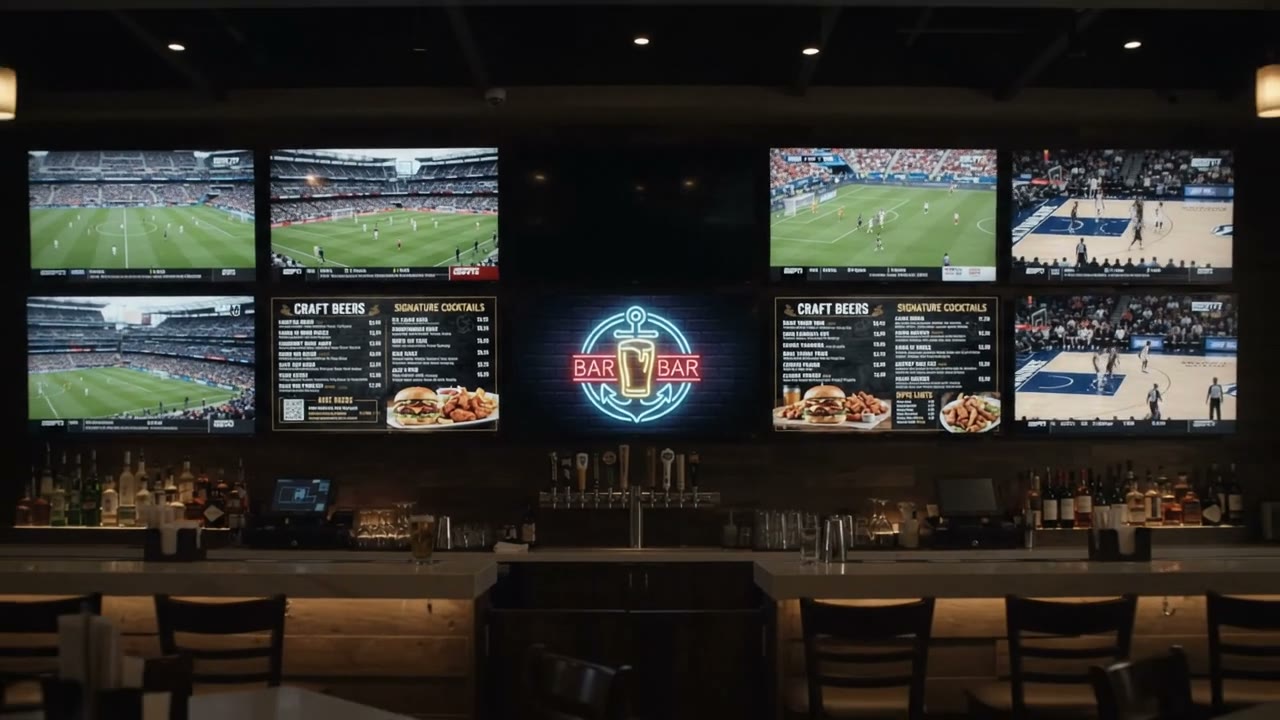
Menu board
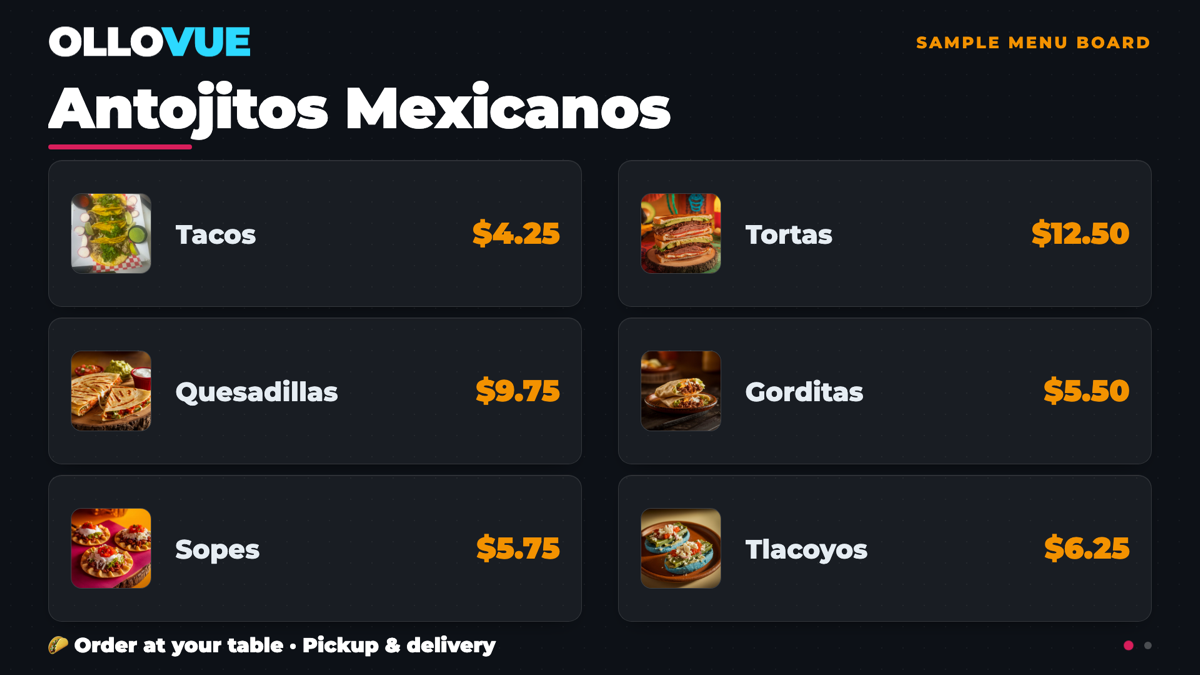
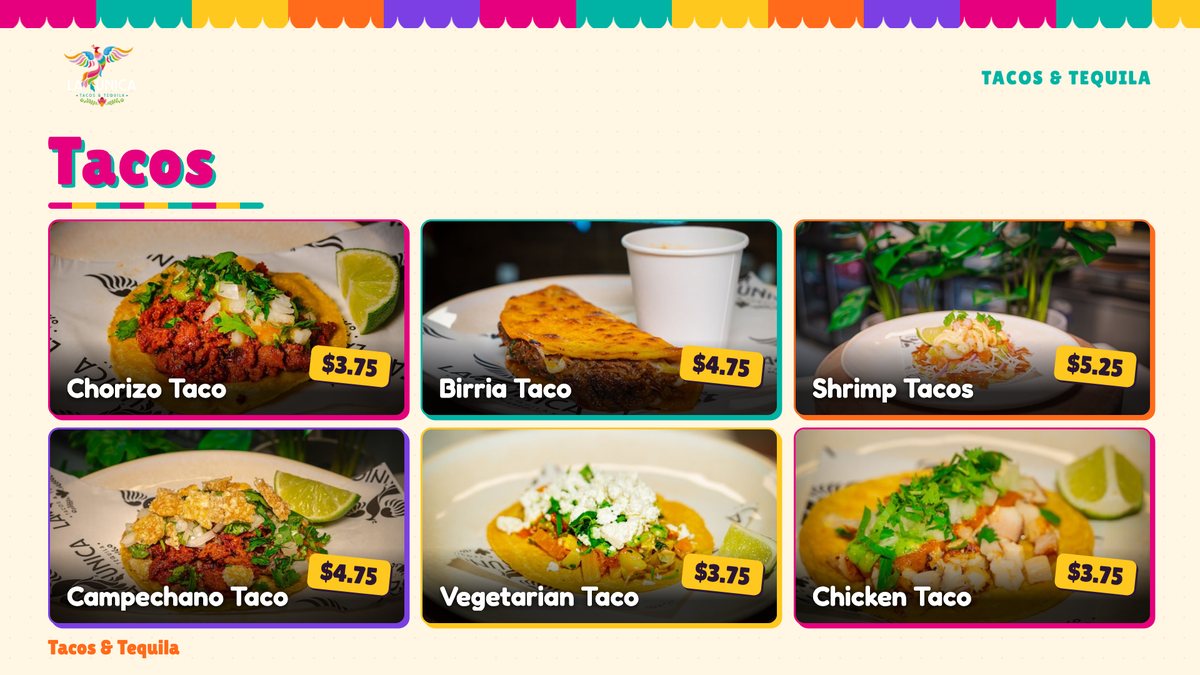
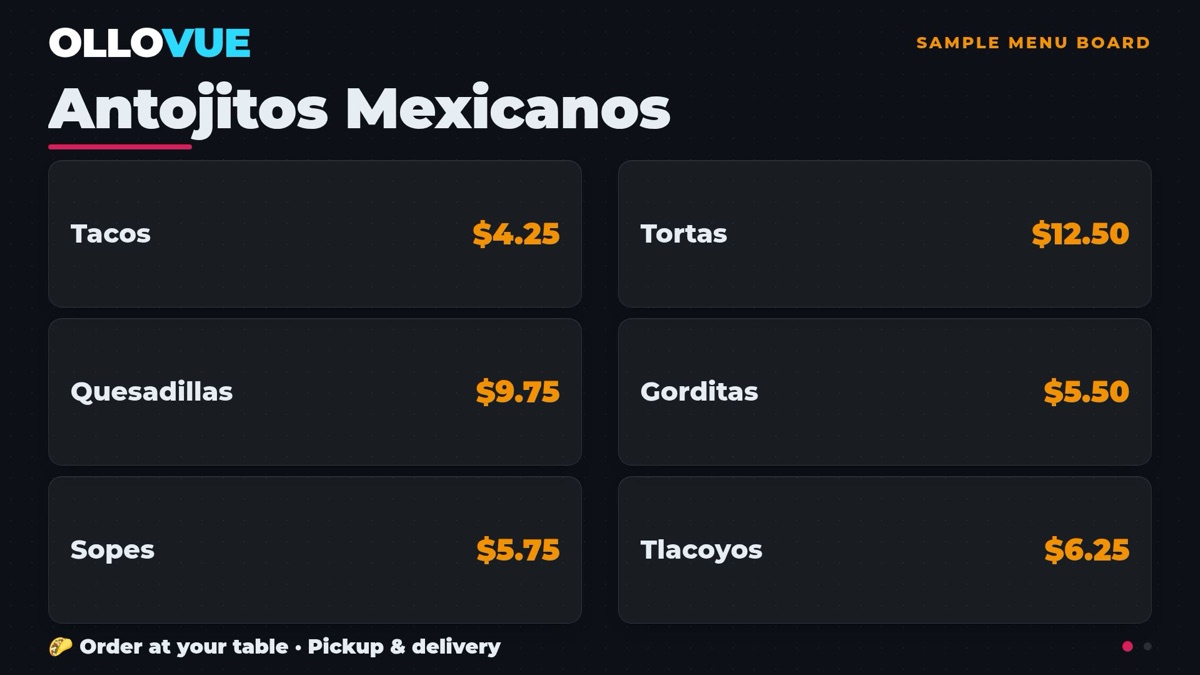
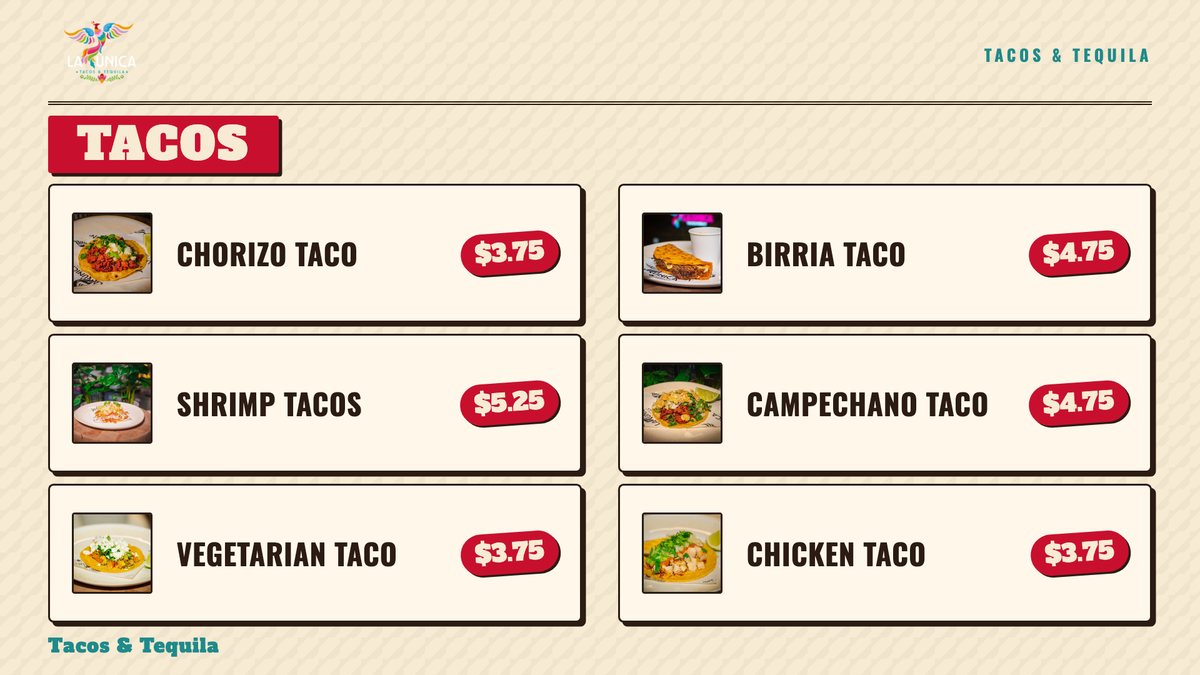
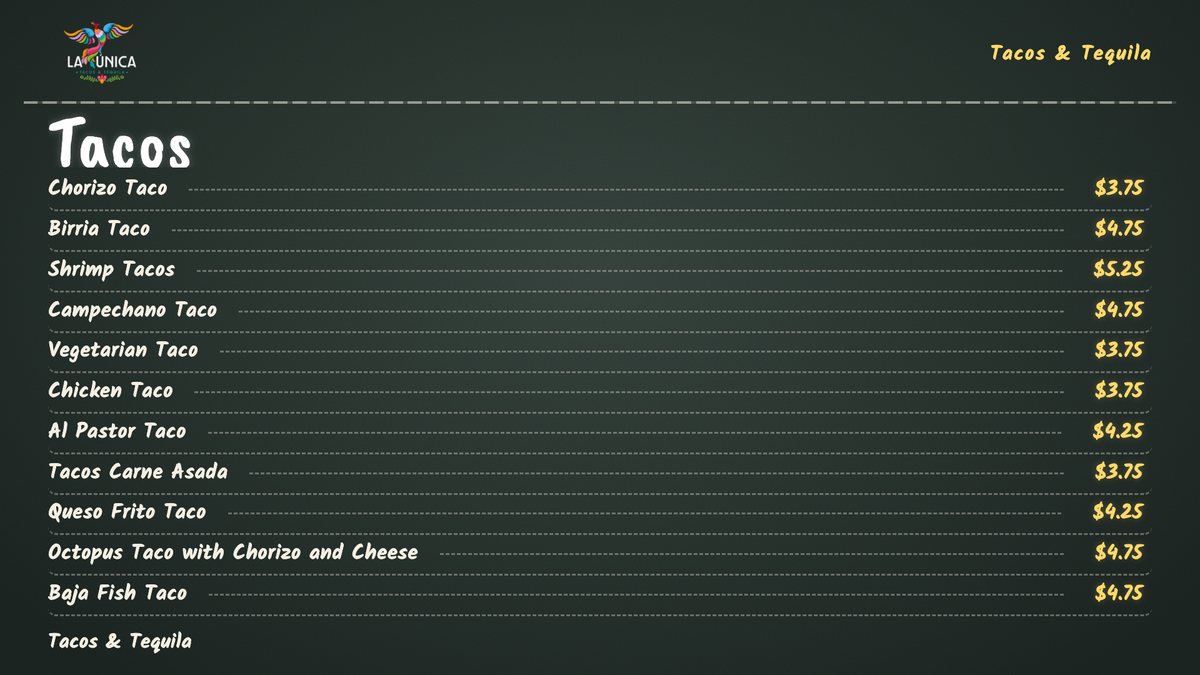
Photograph your paper menu. It becomes a board with prices that stay in sync.
Build your own programmable network of live TV, video,
music and experiences in minutes, right from your phone.Build your own programmable network of live TV,
music and interactive experiences in minutes.
Works with the screens you already own


Pick what each one plays. Change it from your phone, or just say what you want on it.
Photograph your paper menu. It becomes a board with prices that stay in sync.
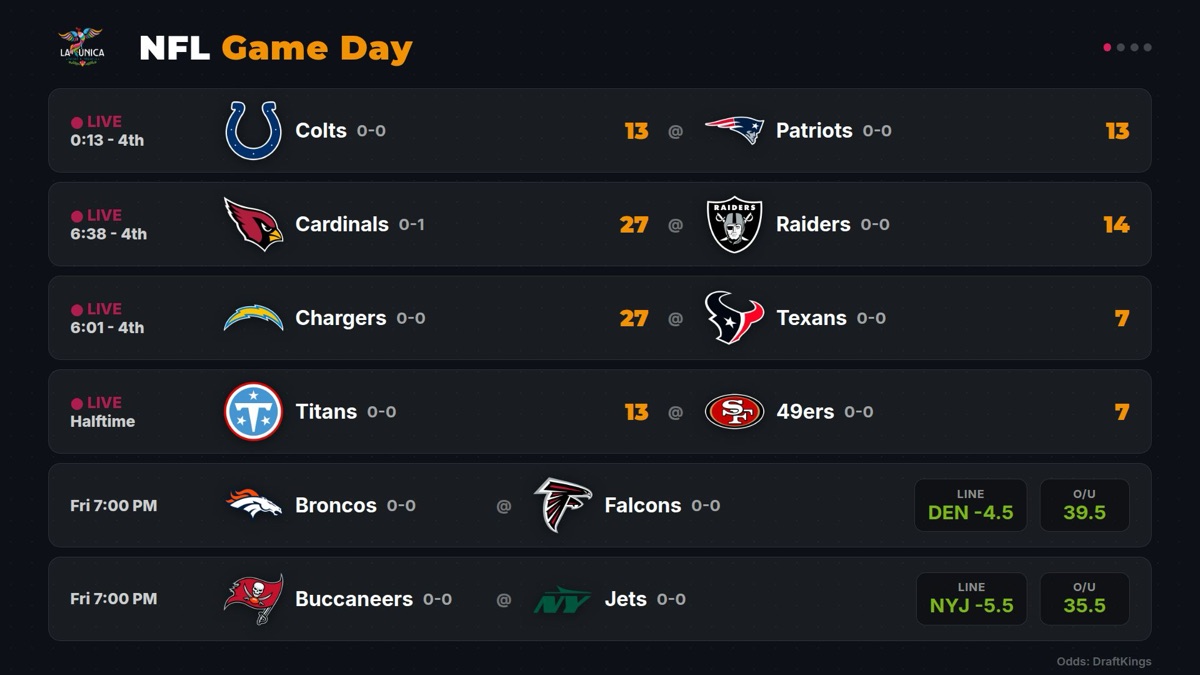
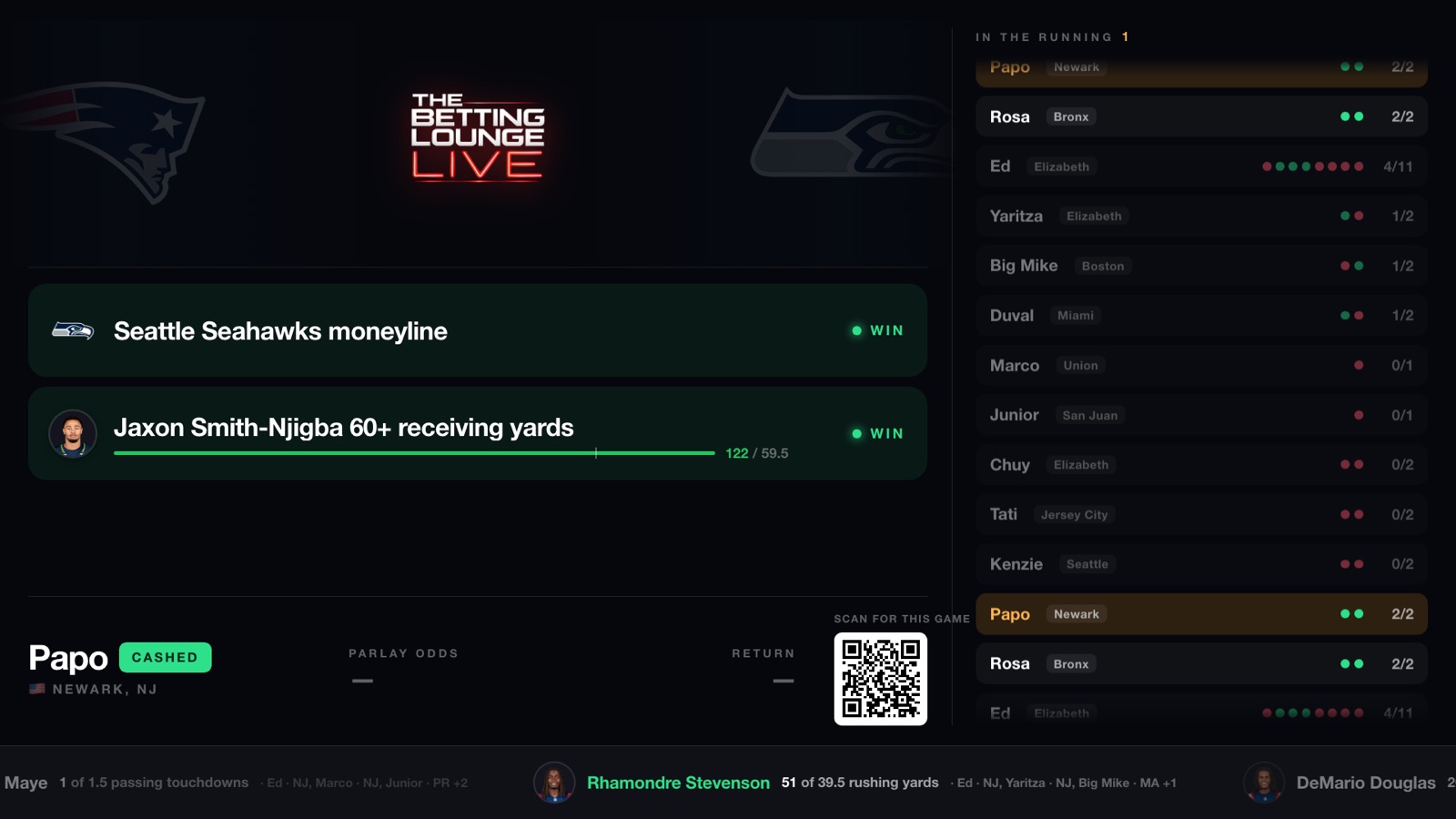
Every game tonight, with lines and totals, on the screen above the bar.
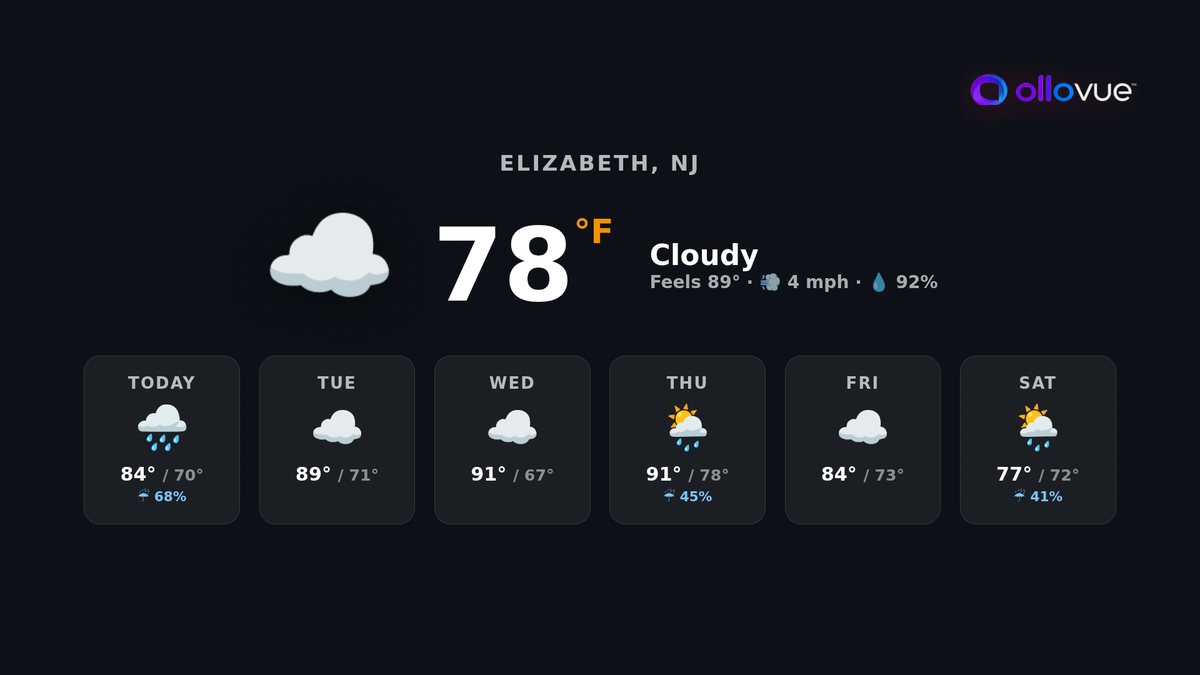
For the patio.
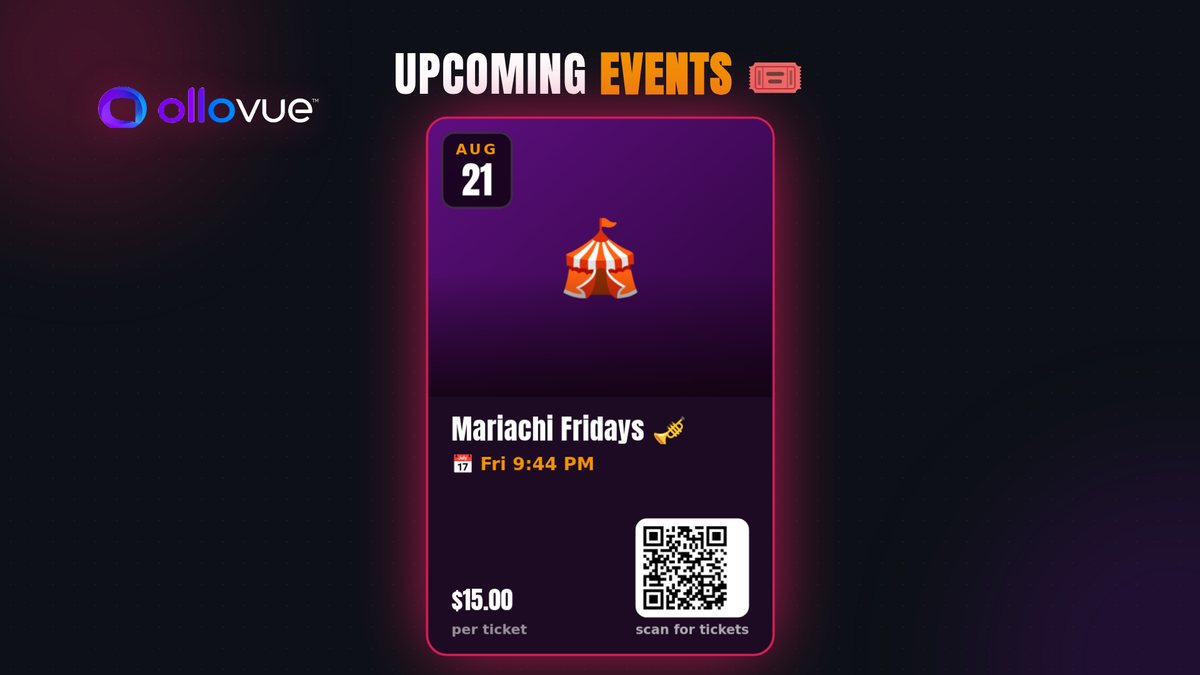
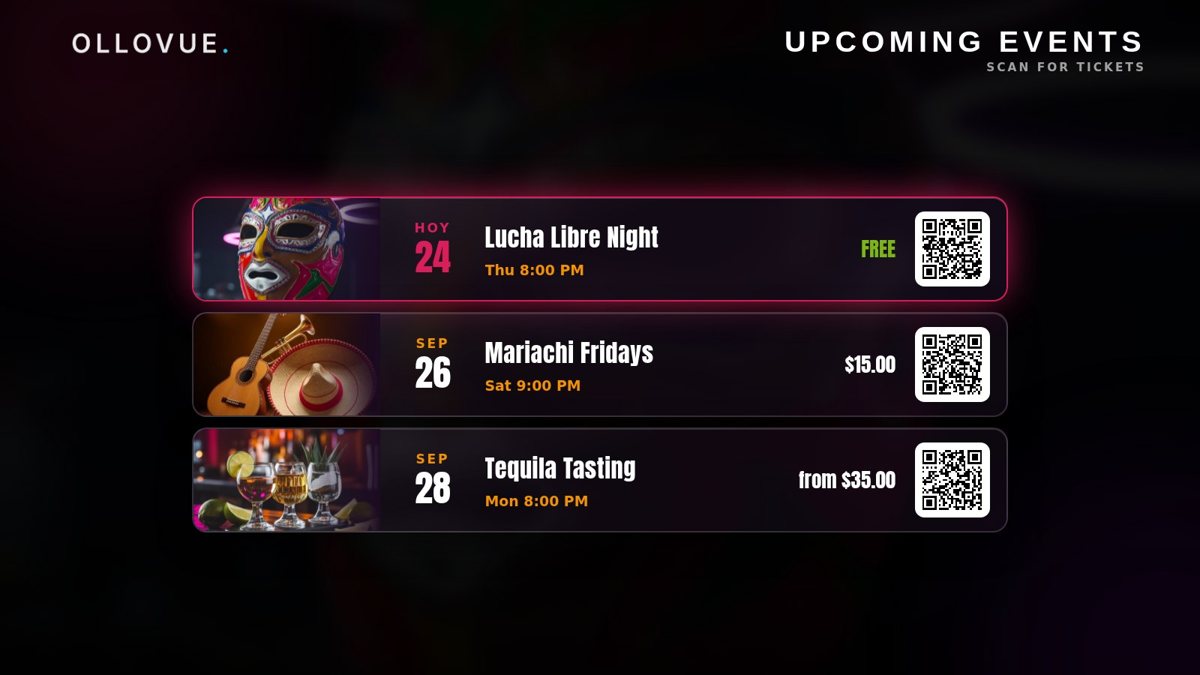
With a QR code that sells the tickets.
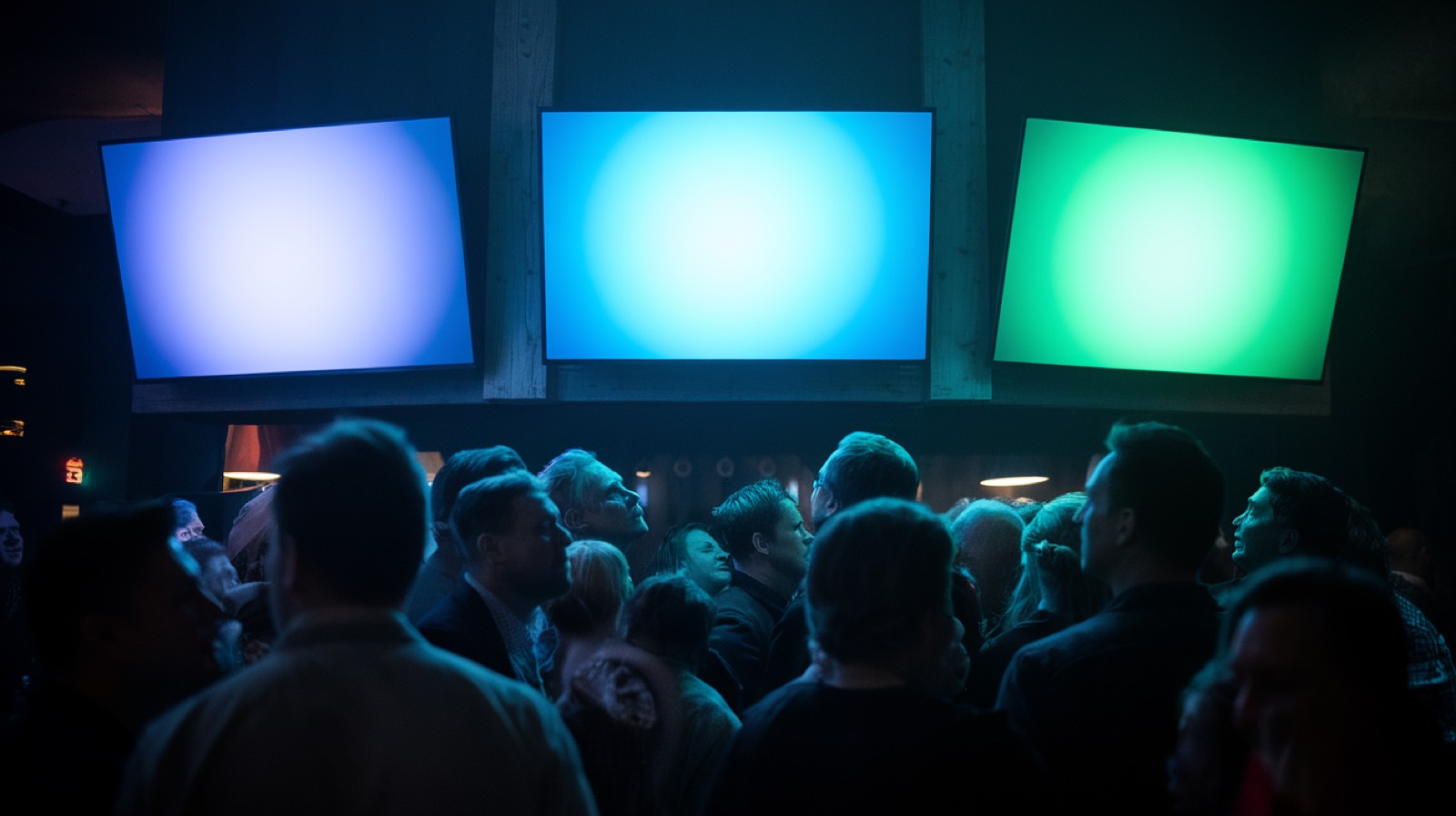
Every TV in the building shows the same thing at once. Last call, the big game, a birthday.
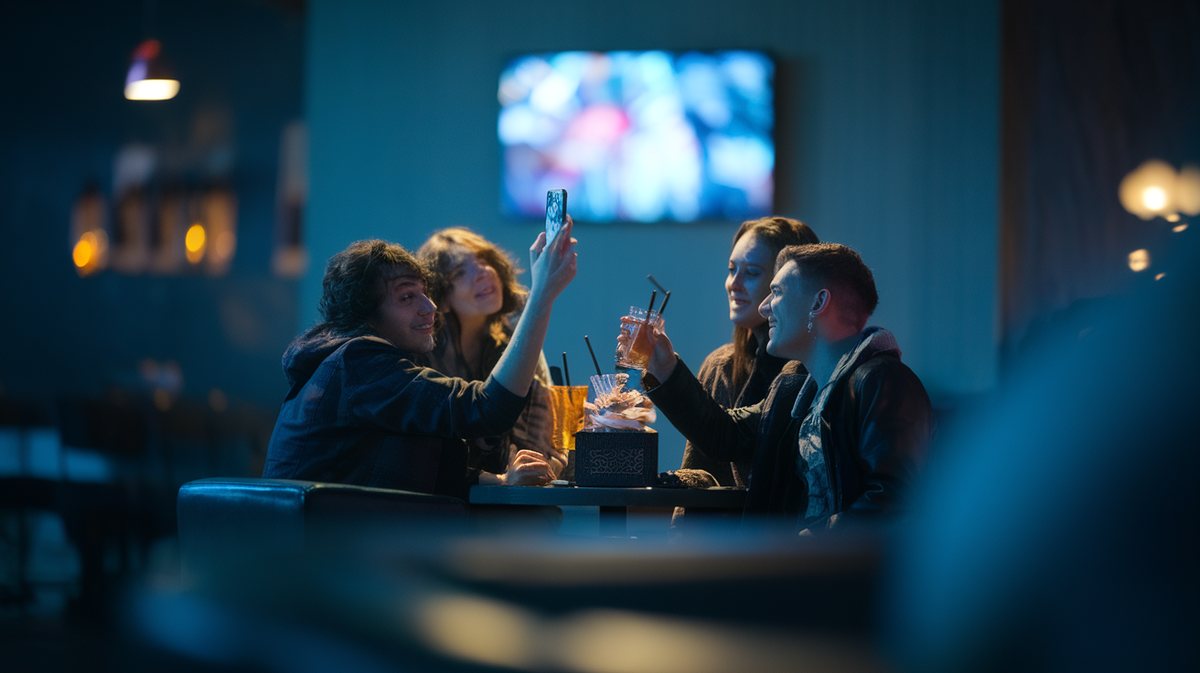
Guests text the TV. You approve it before it goes up.
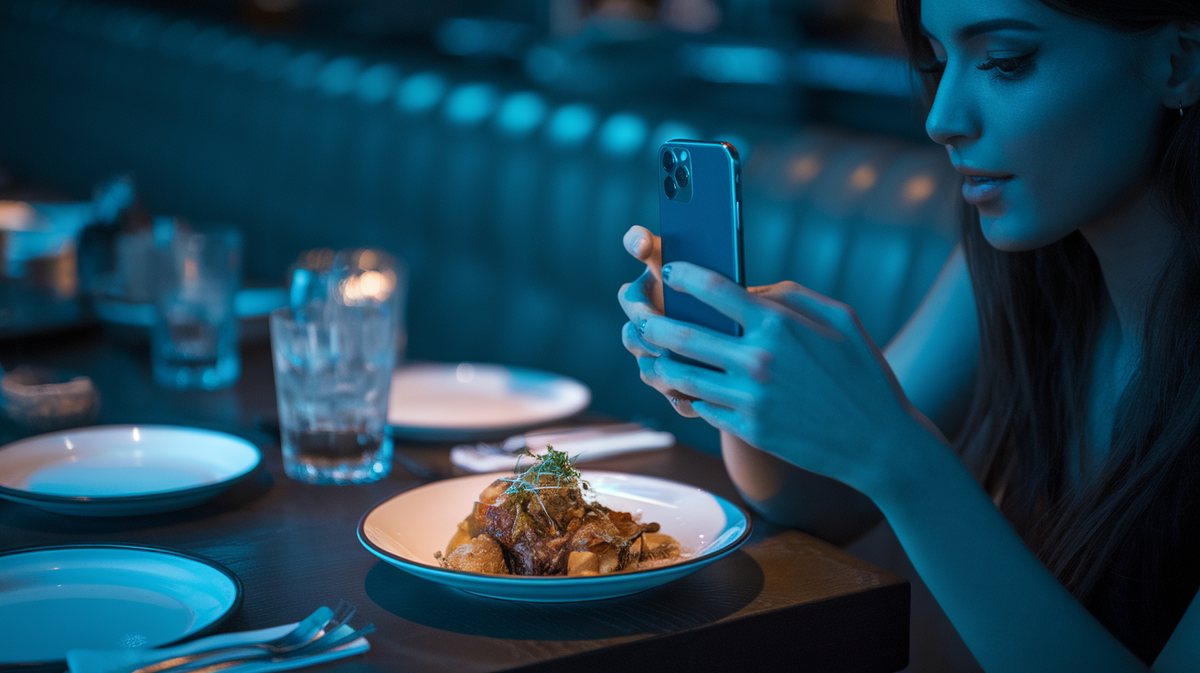
Tagged photos of your food, on your wall, minutes after they post.
This is the app your staff and the agent both use. Real screens from a real venue.
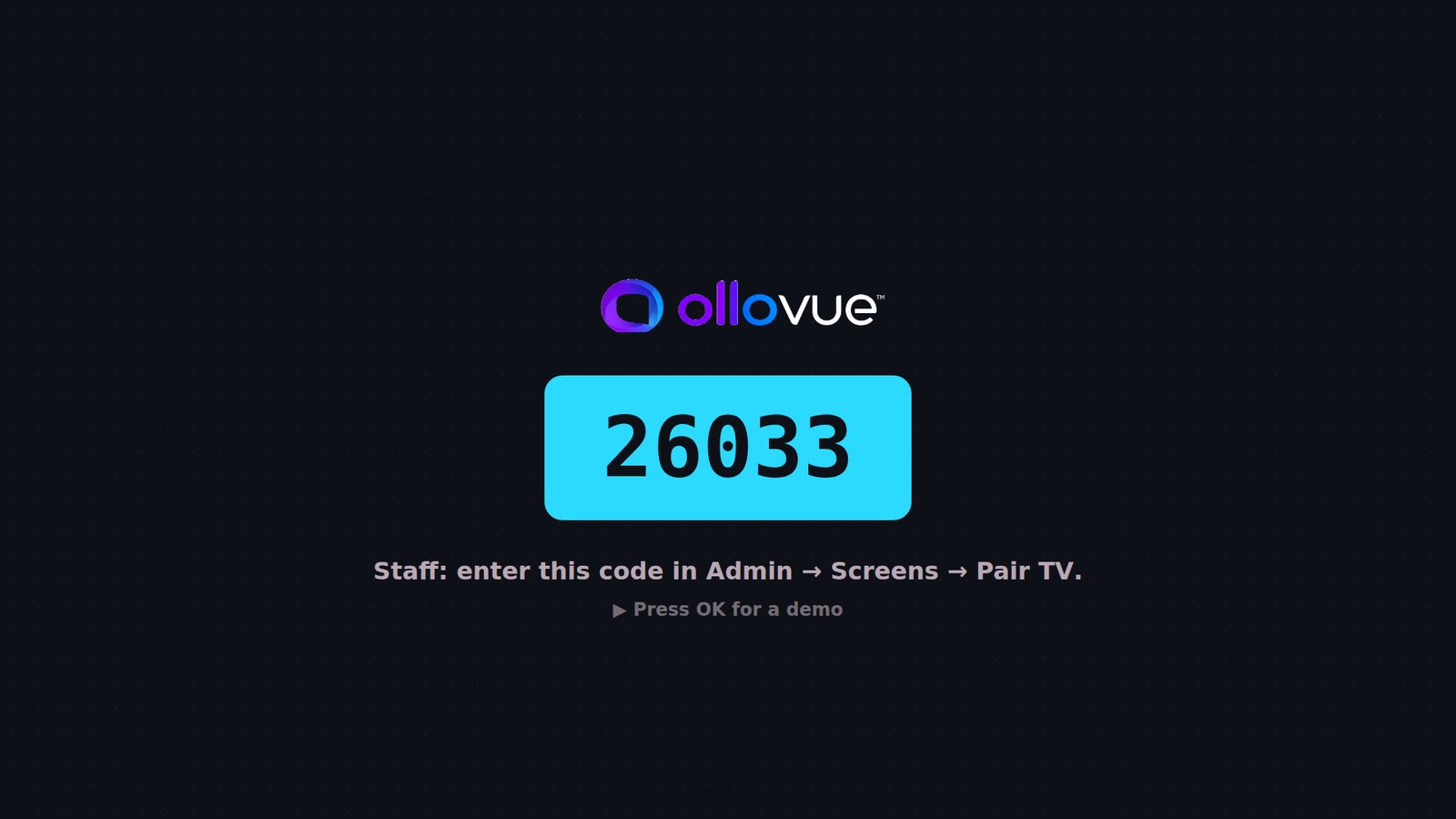
A new display shows a five digit code. Give it to the agent and it claims the screen, names it and puts it to work. No computer behind each TV.
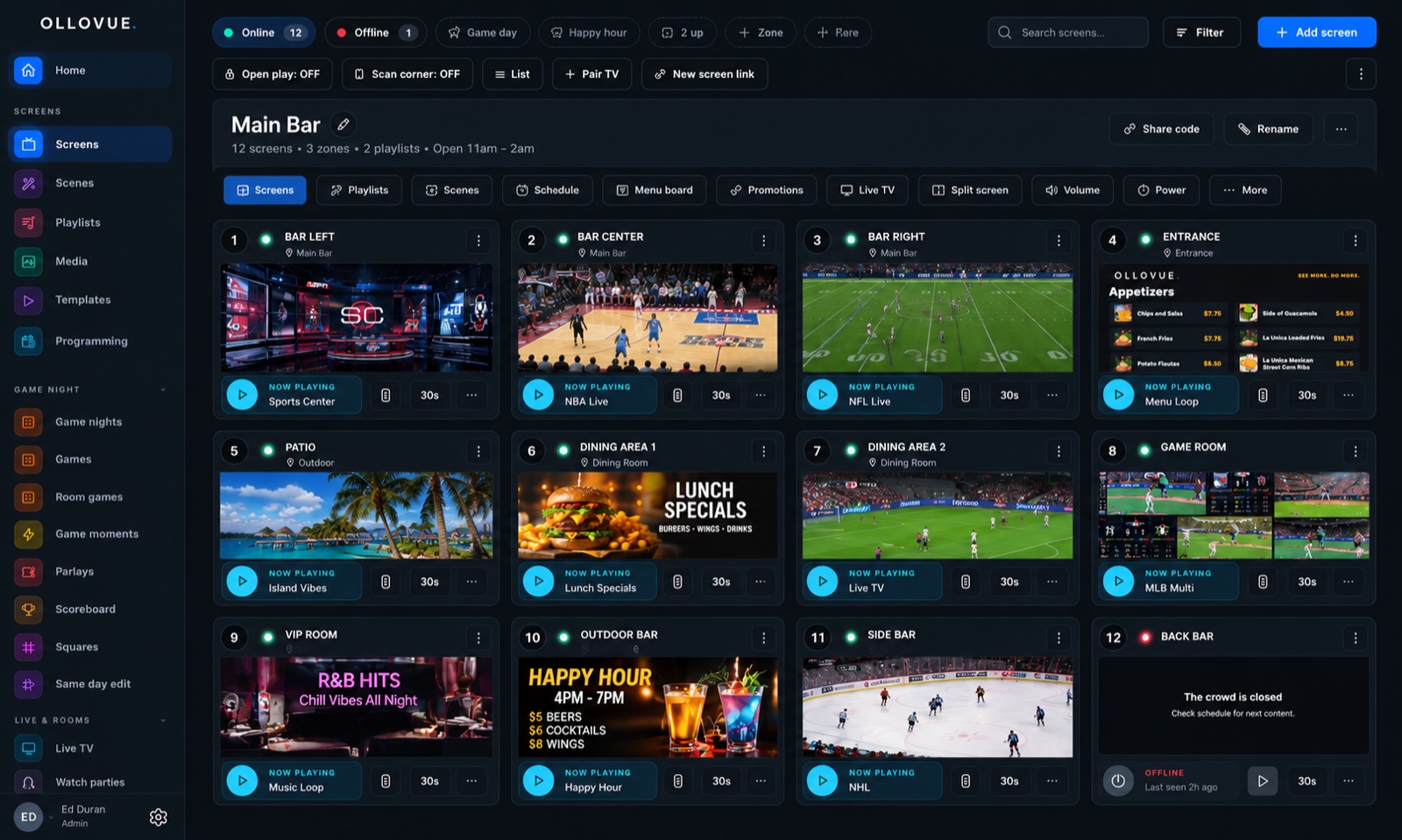
One list for the whole venue. Each row is a screen, a photo it took of itself a few minutes ago, its zone and what it is playing. Power, volume and reboot from the row.
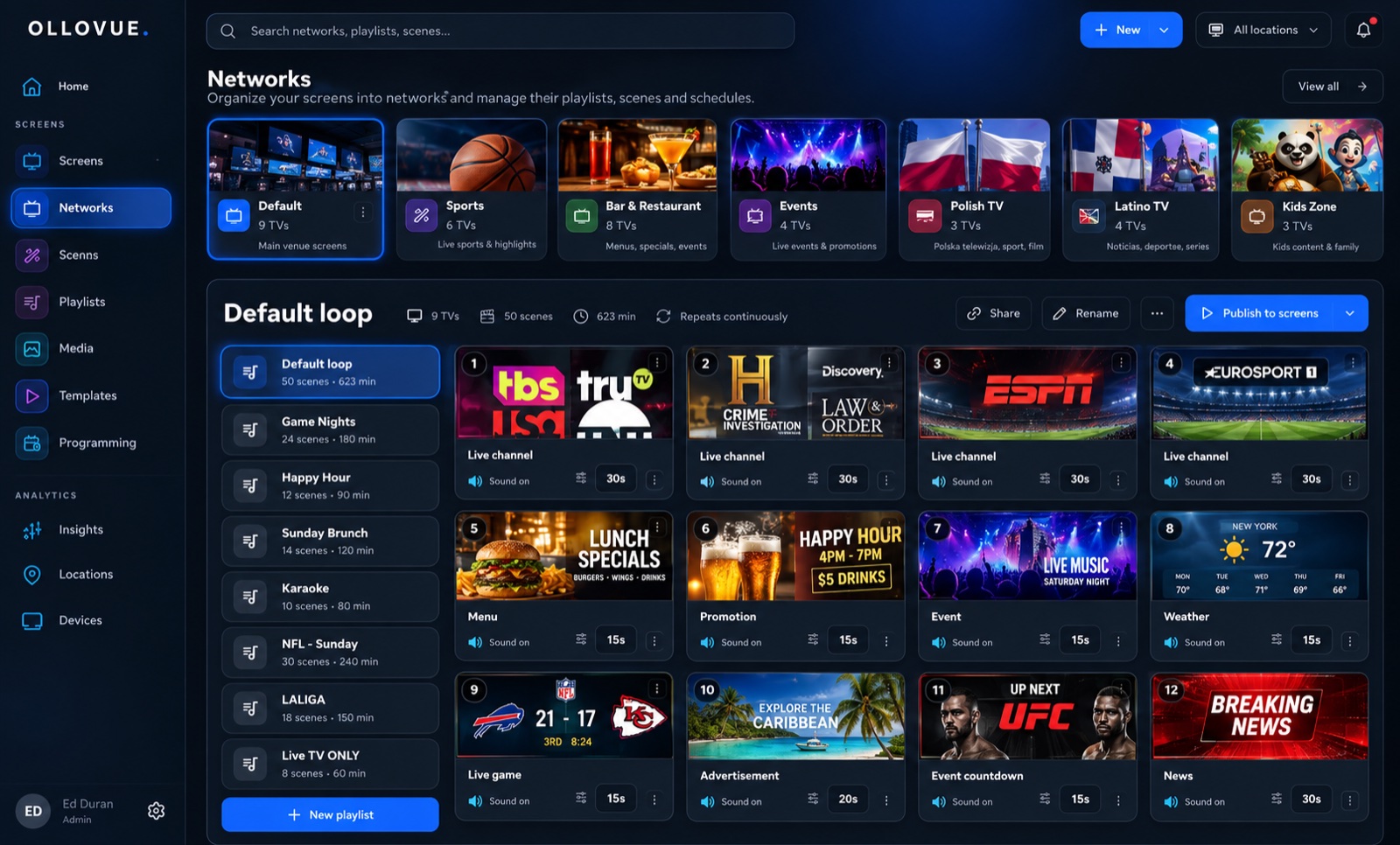
Menus, scores, weather, events, the wall of shout-outs. Open one, point it at a screen, done.
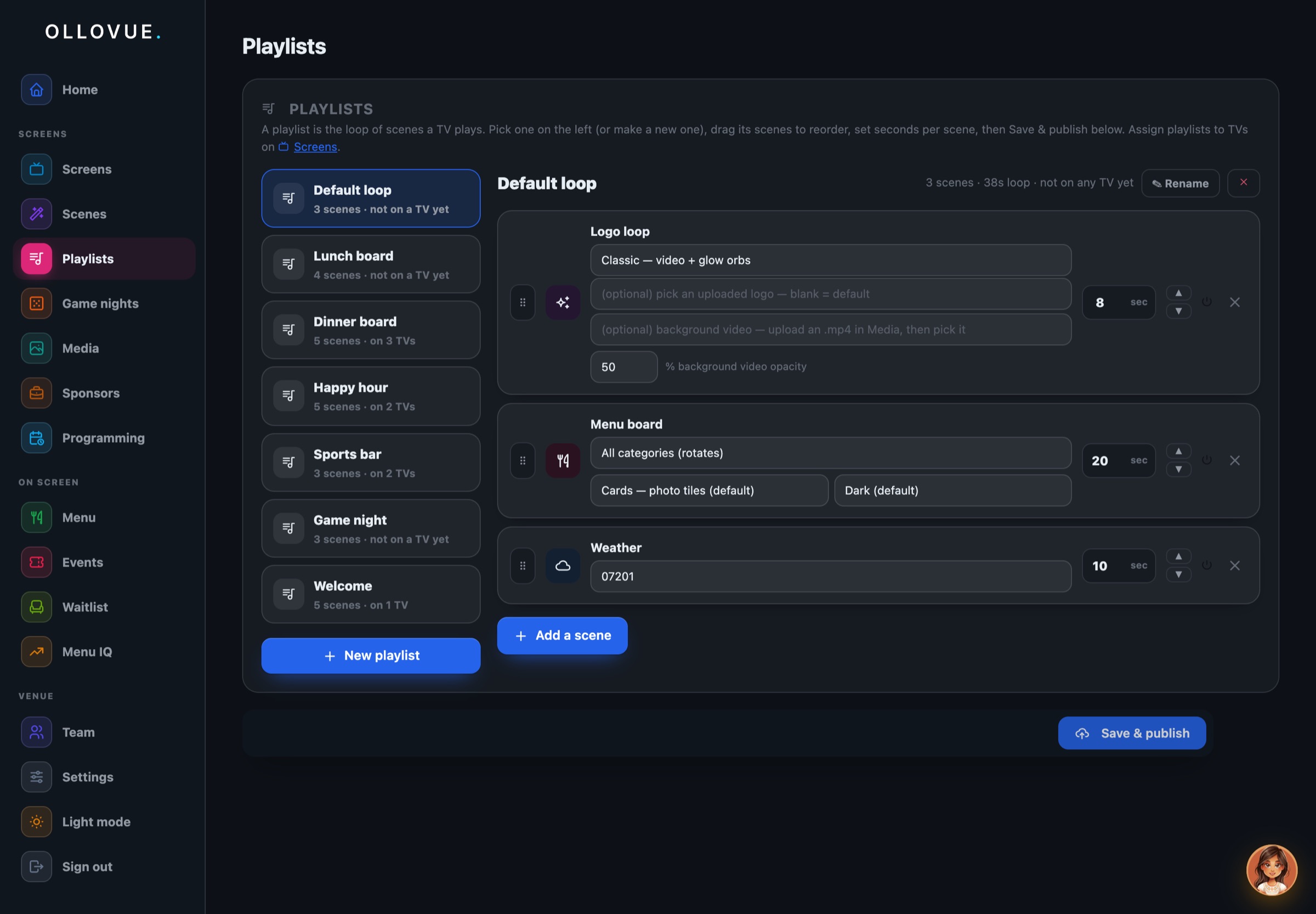
Drag scenes into a loop, set how long each one holds, and hand the loop to a zone. Sports at the bar, menus in the dining room.
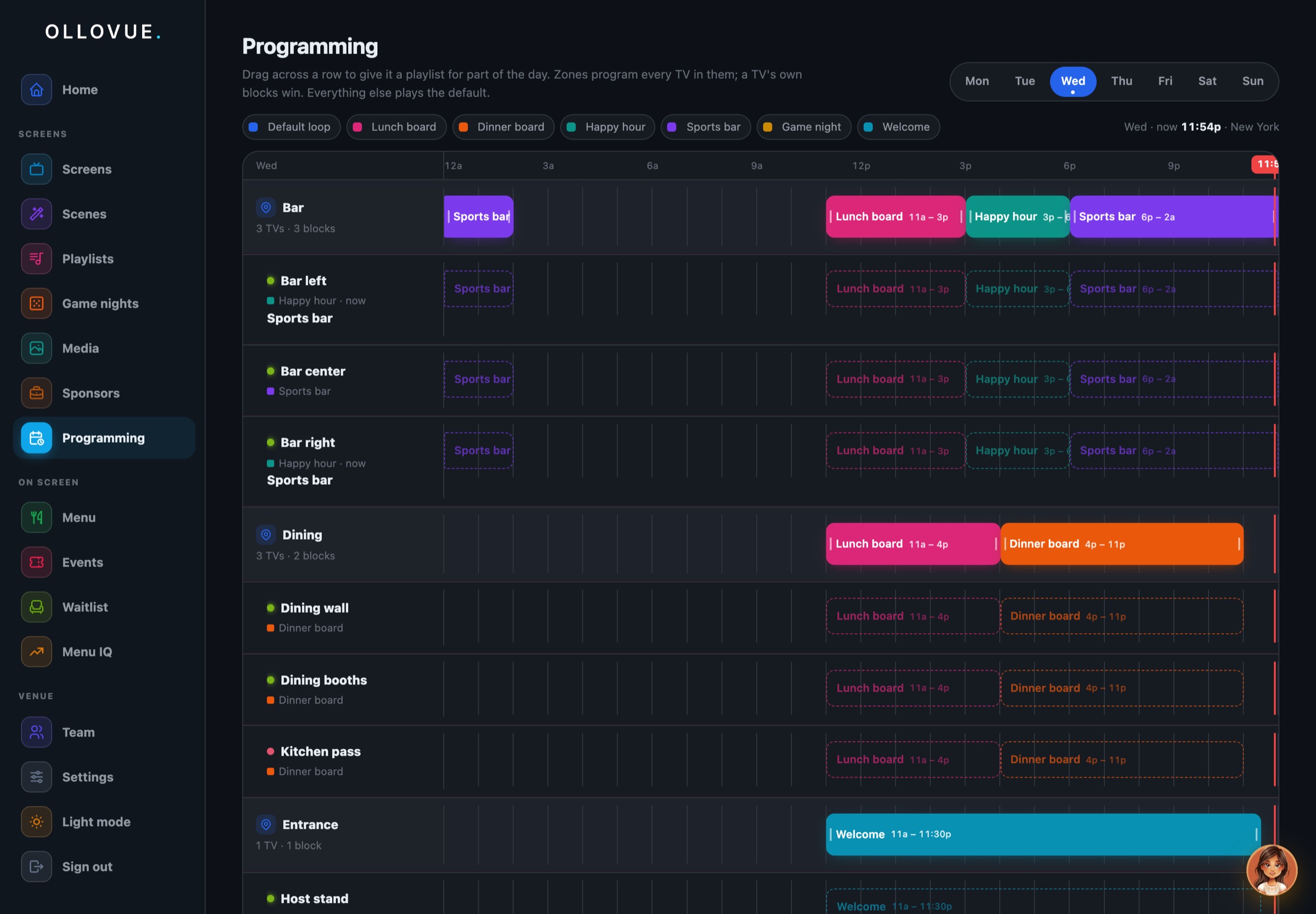
Lunch board until three, happy hour until six, sports after seven, and Sunday is different. Set it once per zone and the screens follow it.
OlloVue gives you the building blocks to create exactly what happens on every screen, and when.
Every TV in the room on one page — see what each one is playing, and change it from your phone.
A shelf of everything a screen can show — menu boards, games, channel walls. Pick one, choose the TVs, it’s on.
A loop of scenes a TV plays in order. Drag to arrange, set how long each holds, publish to the wall.
Set what each TV plays by time of day — the game at kickoff, the menu at close, on a timeline that runs itself.
Your phone runs the room. Say it in a sentence — it reads the screens, proposes the change, and waits for your tap.
Tell it what you want in a sentence. It reads the screens, proposes the change, and waits for your tap.
Ask what the bar TVs are showing and it looks. Every answer names the screens it found.
A change arrives as a card with exactly what will happen. Not now, and nothing moved.
Programme a zone, build a playlist, put the weather on the patio, start trivia at eight.
Your screens, your zones, your menu, by name. It never asks you what a TV is called.
Put happy hour on the bar TVs from three to six on weekdays, then sports after seven.
Read the Bar zone · 3 screens
Bar left, Bar centre and Bar right are all online and all on the zone programme. Here is what I would change:
ApproveNot now
Changed dramatically. Black and white, colour, cable, the box, the stream, the scene — a screen today plays whatever the room needs, and changes its mind by the hour.
Fundamentally remained buttons pointed at a screen. Volume, channel, an arrow pad. It has no idea what is on.
The remote hasn't changed. Until now.
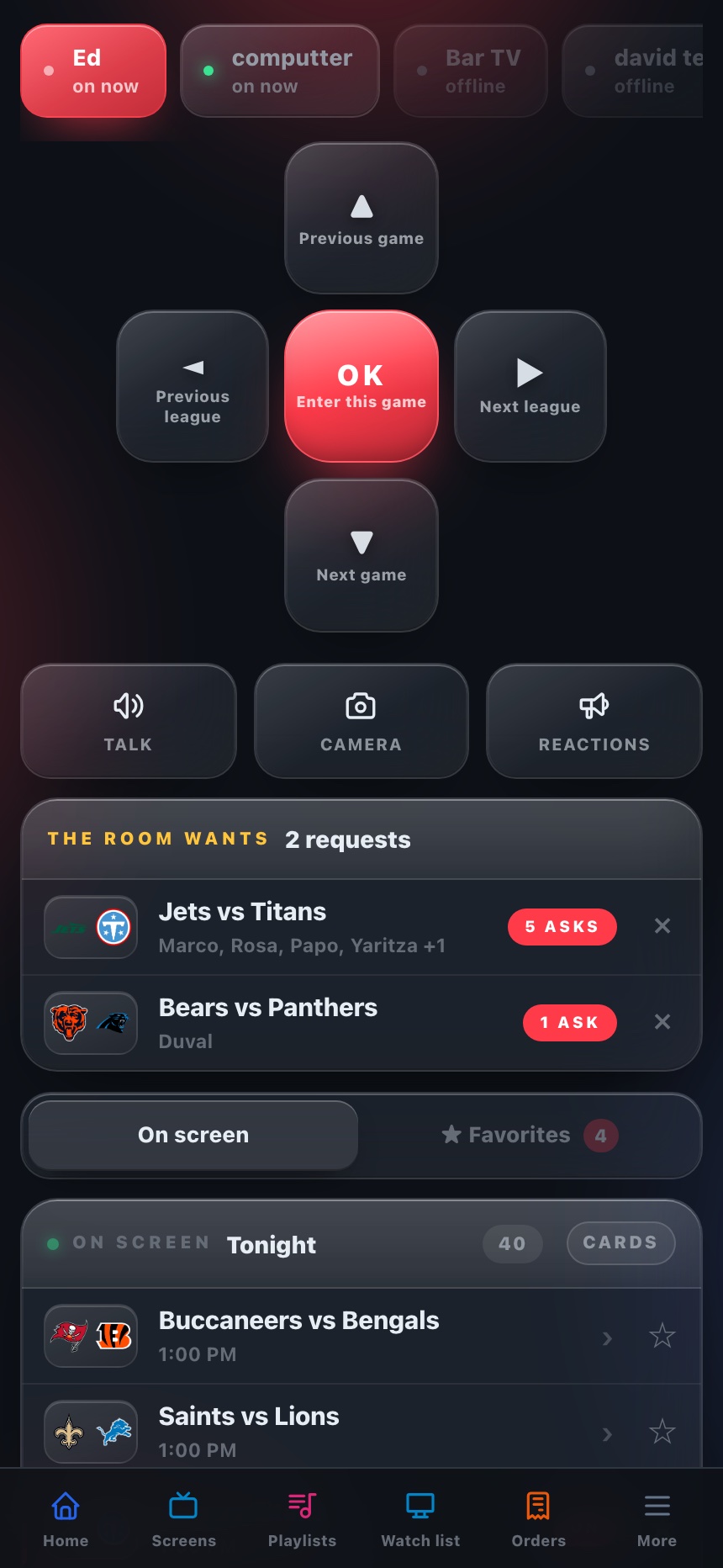
OlloVue transforms your phone, or the OlloVue Remote, into a controller that adapts to whatever is happening on screen.
Up and down walk tonight's games, left and right the leagues, OK enters one. The slate is mirrored under your thumb, live, with the row that is lit. A tap jumps the wall straight there.
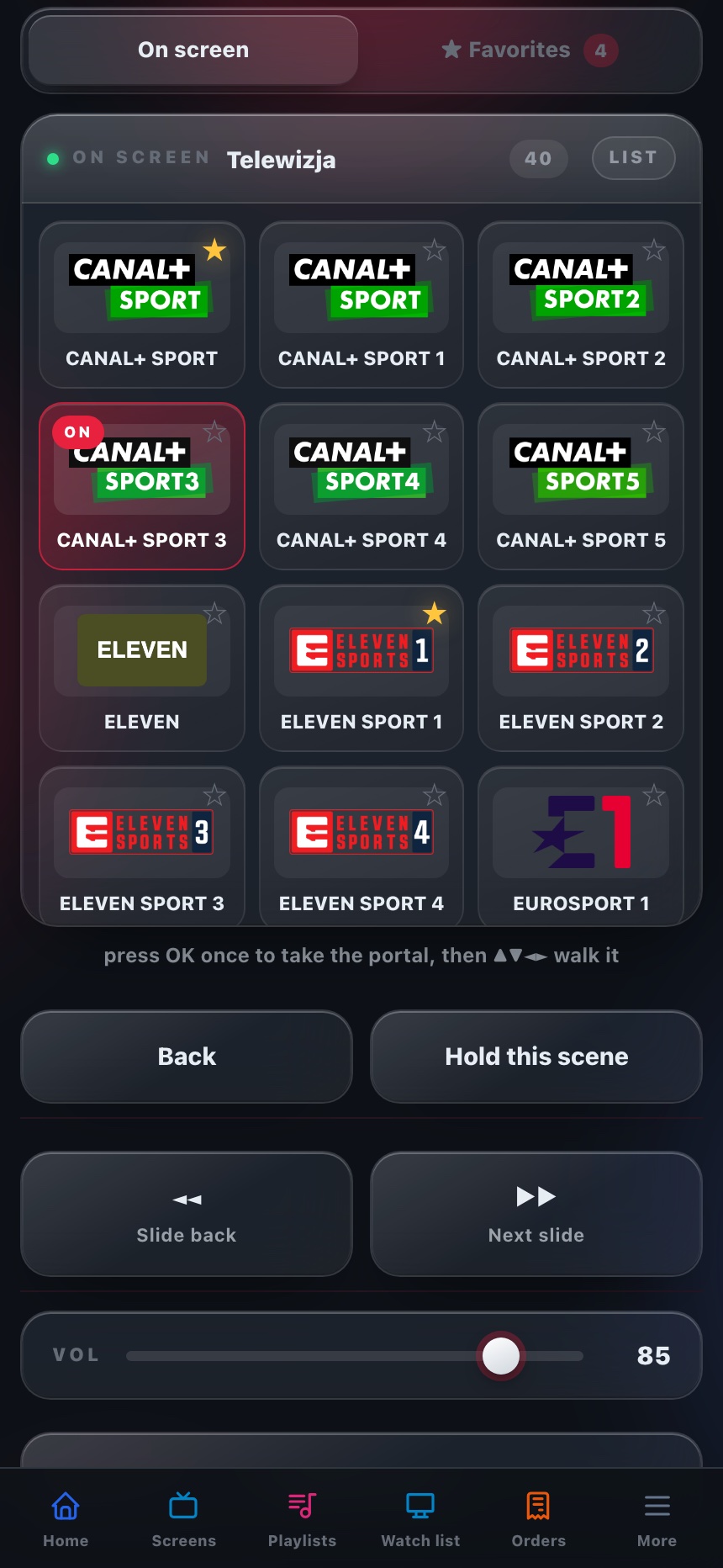
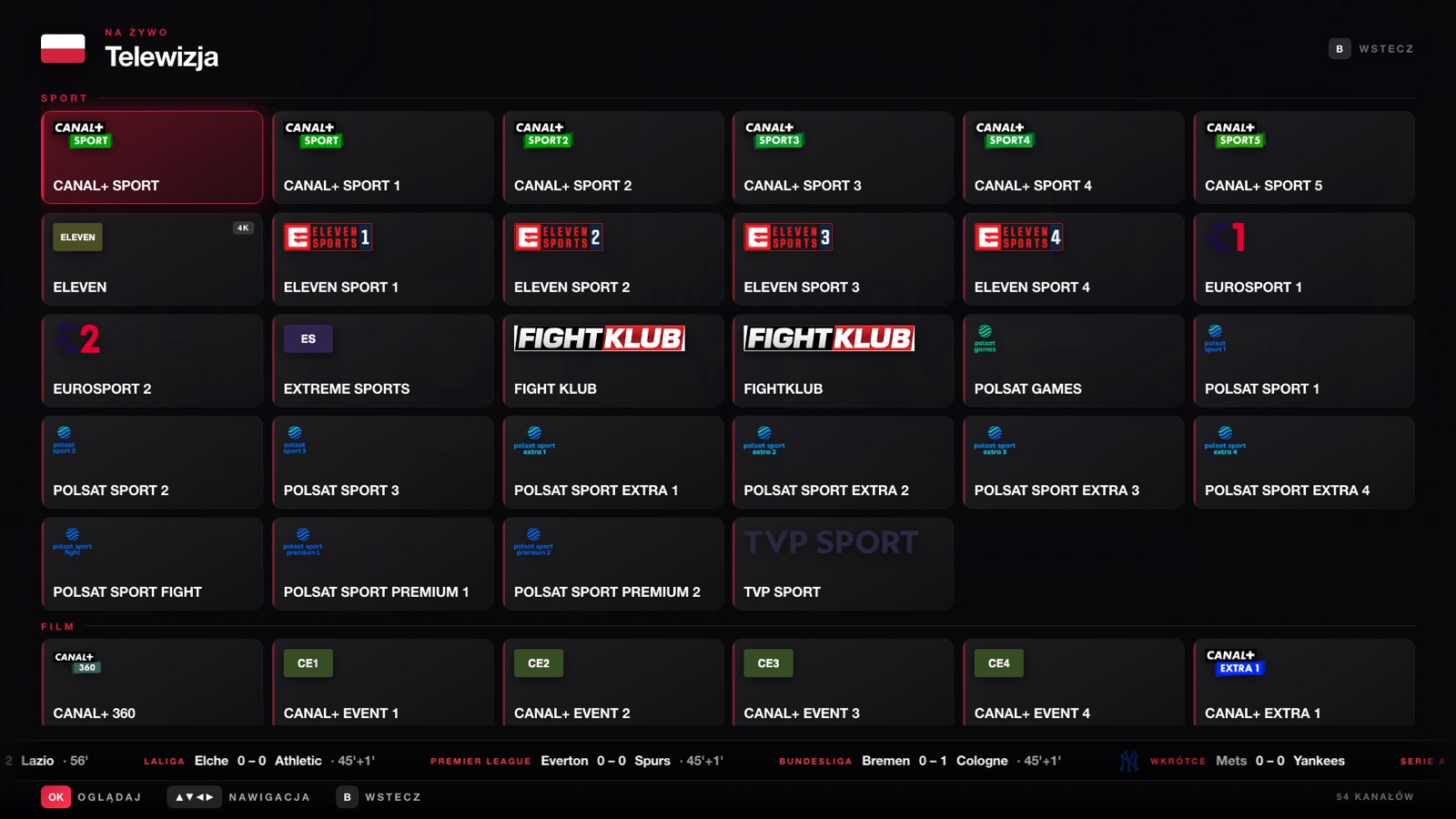
The same wall the screen shows, as a grid of the channels' own marks. Tap one and the wall goes there. A star keeps it on the house shelf, shared by every handset behind the bar.
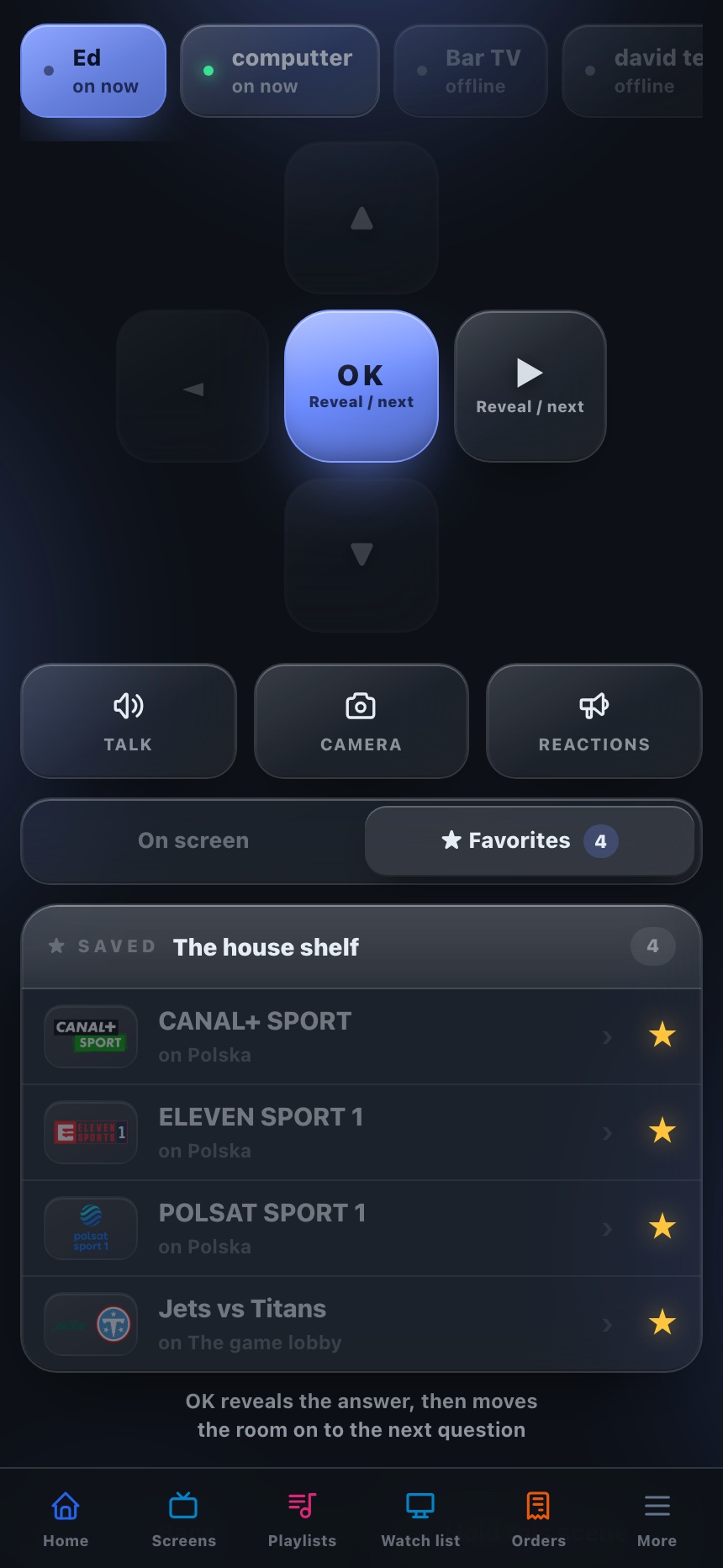
The pad dims what the scene does not use and names what it does: OK reveals the answer and moves the room on. The quiz trades the camera for Skip question, because that is what a host reaches for. Who has locked in, in the mirror.
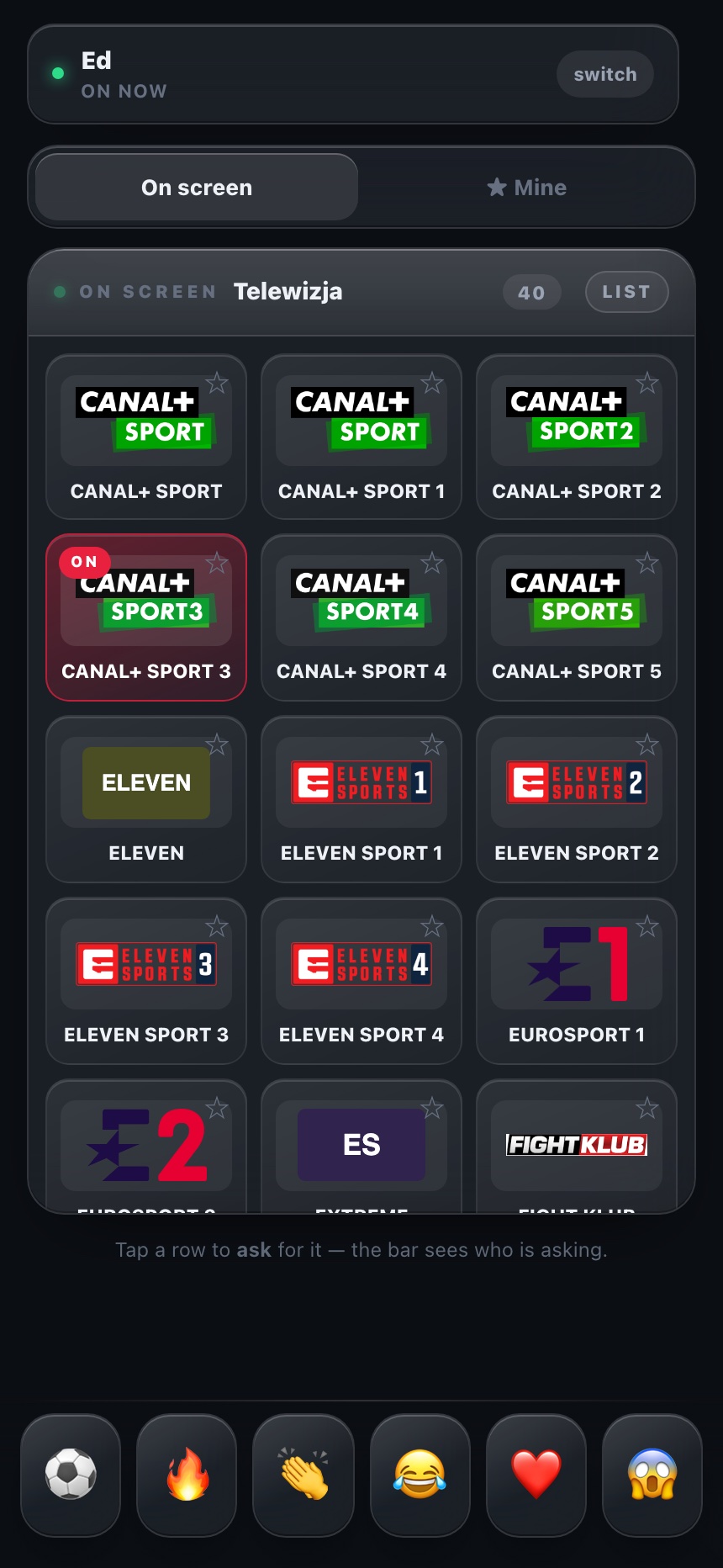
Cheer with your name on it, save a channel to your own shelf, ask for a game instead of pressing for one. The bar sees who is asking and puts it on in one tap. No arrows, because the wall is the house's.
The remote is not the business. Once it is the interface between a person and a television, scenes are the platform — developers, sports companies, broadcasters, creators, venues and brands build for that screen and that remote together. That is a considerably larger thing than the hardware.
Hands full? Say it.
Tap call and say what you want. The voice agent knows every TV in the room by name, checks what's on, says back what it's about to do, and does it while you keep pouring.
What's on the bar TVs?
Checked the screens · 3 online
Bar left has your logo, bar centre has this week's events, and bar right is on happy hour.
Put the Seahawks game on bar right.
Seahawks at Jets, live now. Putting it on bar right, okay?
Yes.
Bar right · Seahawks at Jets
Done. It's on bar right.
It checks the screens live and never guesses what's on a TV.
Every change is read back in one sentence. Say yes and it happens.
Change a channel, put tonight's game on the bar, or follow a team.
Add a scene, run a takeover, or set what the patio plays on Sundays.
Takeovers
A takeover is one slide the hub pushes over the whole room for as long as you say — five seconds or ten minutes — and when the clock runs out the wall returns to exactly what it was doing. Nobody has to undo it, because nobody turned anything off.
Type it in the app, or say it to the agent. Staff pick the screens; leave it blank and it is all of them.
The kitchen marks an order ready and only the screens by the counter light up. Last call, a goal, a bingo win, a flash deal — the venue fires its own, and writes the line while it does.
The phone remote follows the takeover instead of the thing behind it, the hub knows what was on, and live video keeps its picture. It clears itself on a timer the screens can't lose.
Every screen, one zone, or the single TV by the door. The rest of the room carries on with what it was playing.
Overlays
Scenes take turns. Takeovers interrupt. Overlays sit on top — the game, the menu board and the music video all wear them, until you say otherwise.
Your logo on a solid plate in any corner, small, medium or large. Every TV, or just the one by the bar.
Tonight’s specials, the next event, the Wi-Fi password — one line that crawls under whatever is on, across a whole video wall on one clock.
A small QR over the live game: call the next score, react, ask for a channel. Off by default, on for game night.
“Put my logo top left.” “Make it smaller.” “Hide the bug.” Every TV that’s on follows in a second — no one touches a remote.
Put my logo top rightLogo bug · top right
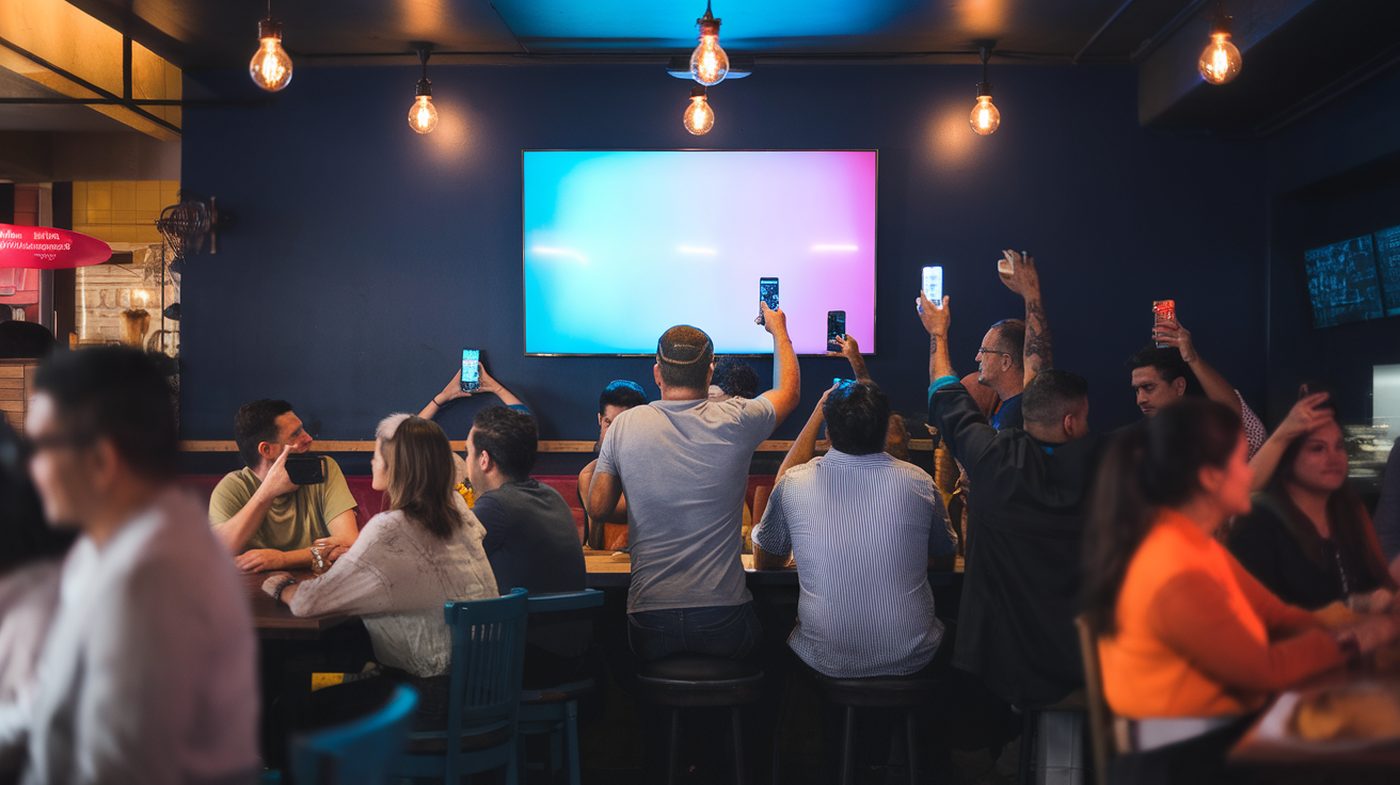
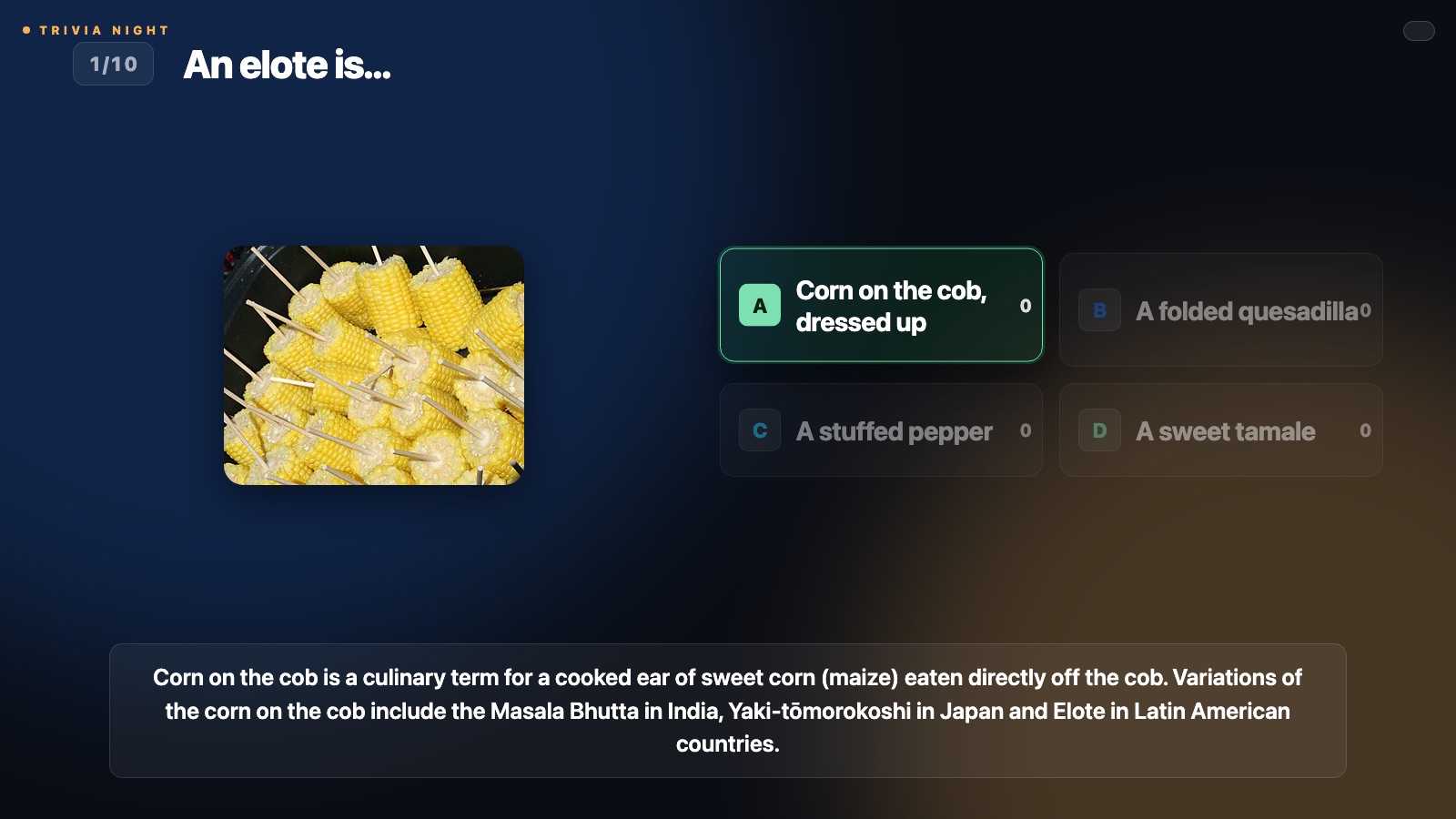
Trivia, music trivia, loteria and bingo run with no host, and every phone is a buzzer. Invent your own game and it runs the same way.
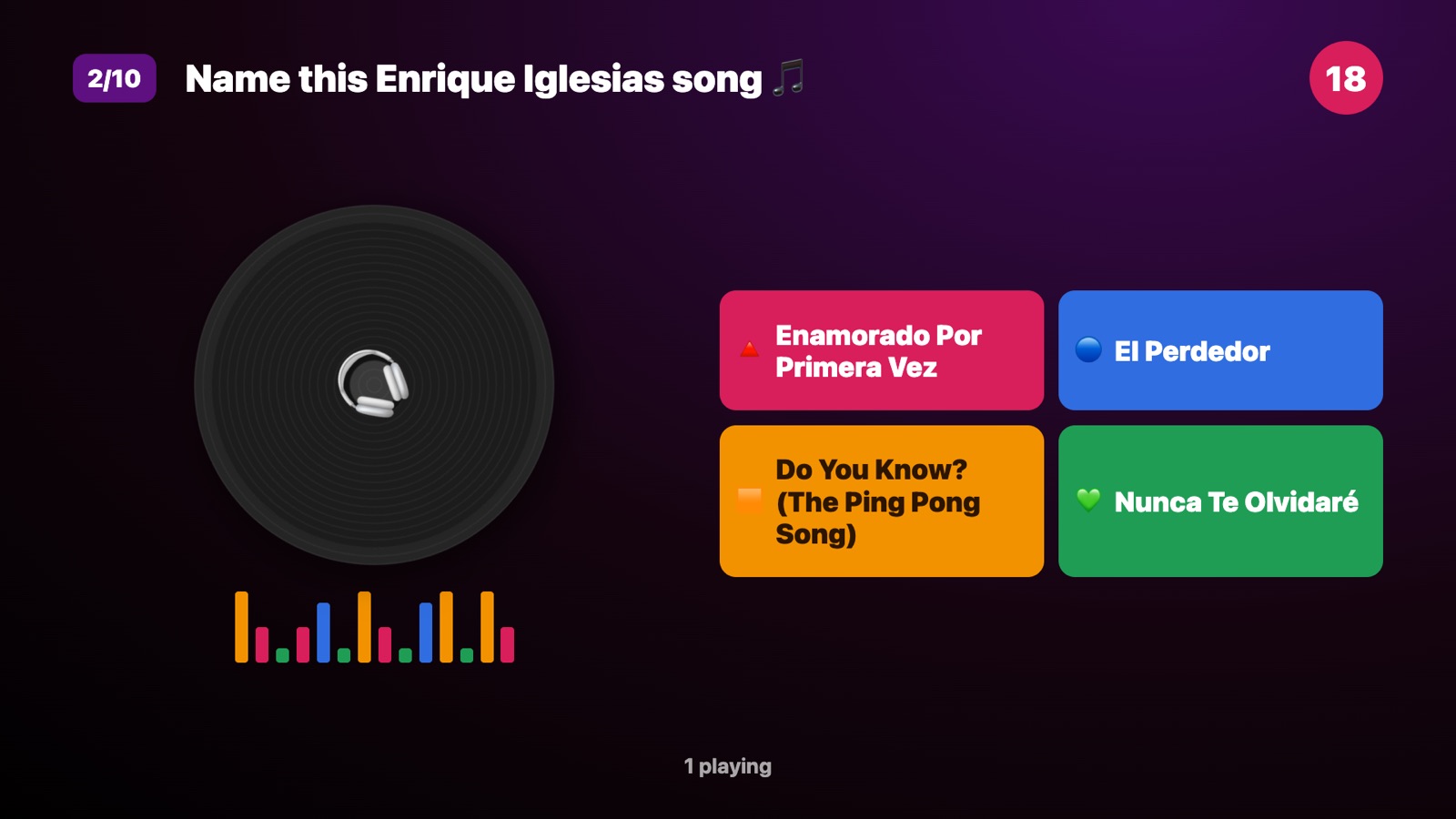
Questions written for your crowd. A leaderboard on the big screen, a prize you choose.
A few seconds of a song plays, four titles go up, every phone guesses. Pick a vibe and it builds the round.
Cards on phones, the caller on the TV. Nobody has to run it.
Guests end up on the wall from their own phones, and nobody has to run it. The wall is not only yours either: rooms across the network play the same night together, from wherever they are.
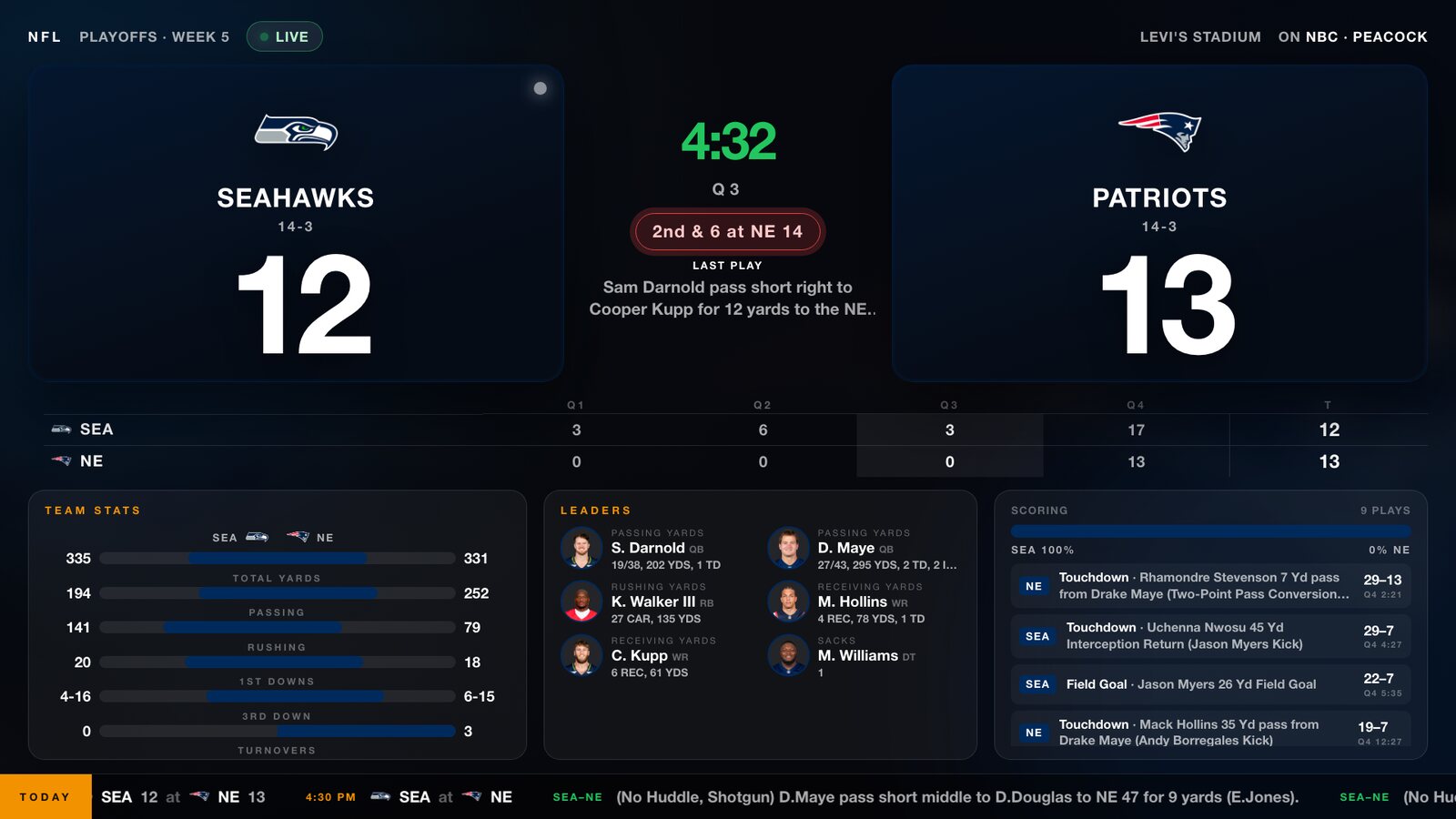
One game, the way the network puts it up. Score, clock, stats, leaders, win probability. The highlights cut in the moment ESPN posts them. Pick the game from your phone, or say a team and it finds the game every day.
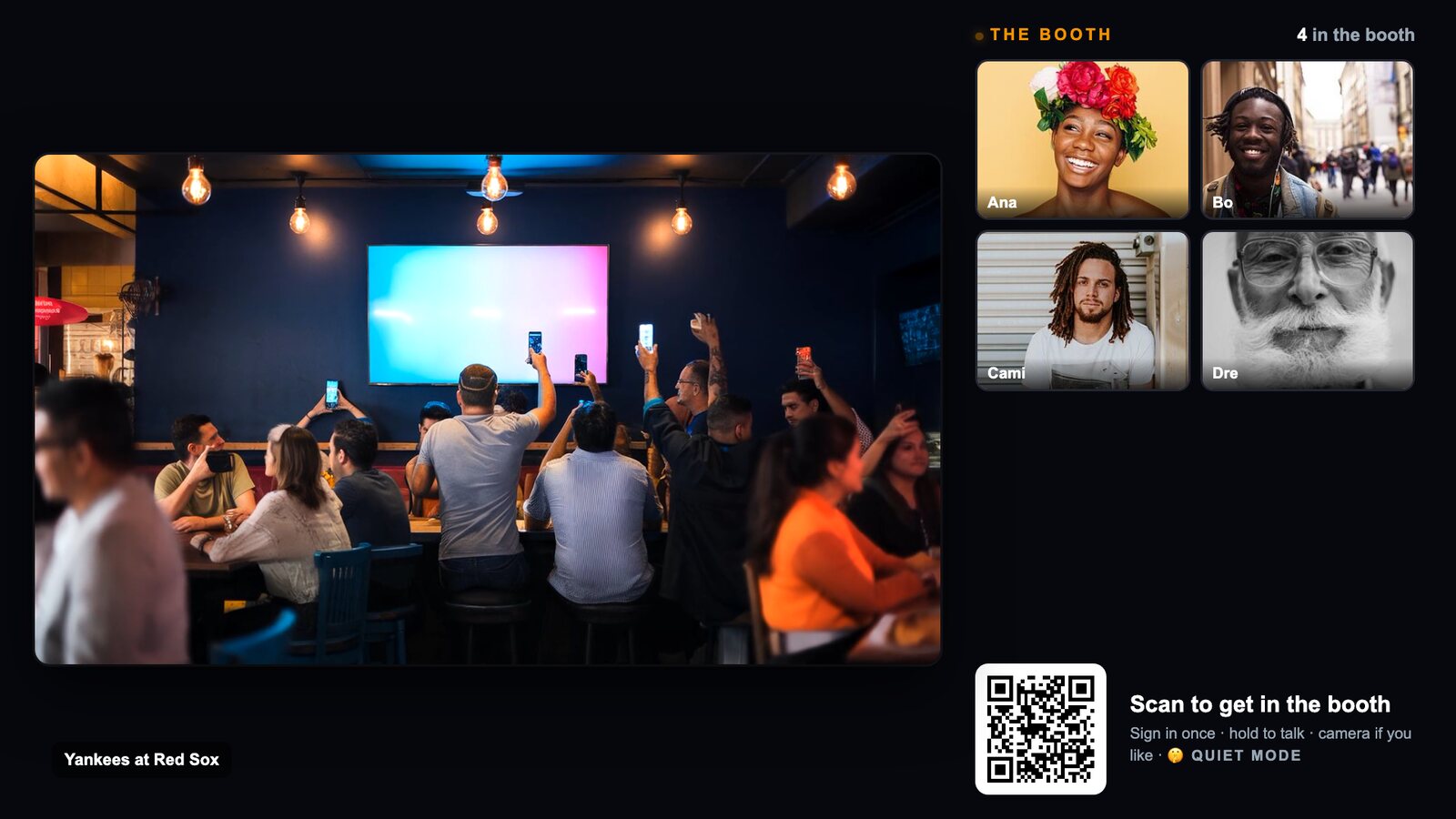
A live watch party. Guests scan in and their voices and faces ride on the rail beside the game, whoever is talking lit. Two venues can share one booth for a rivalry night.
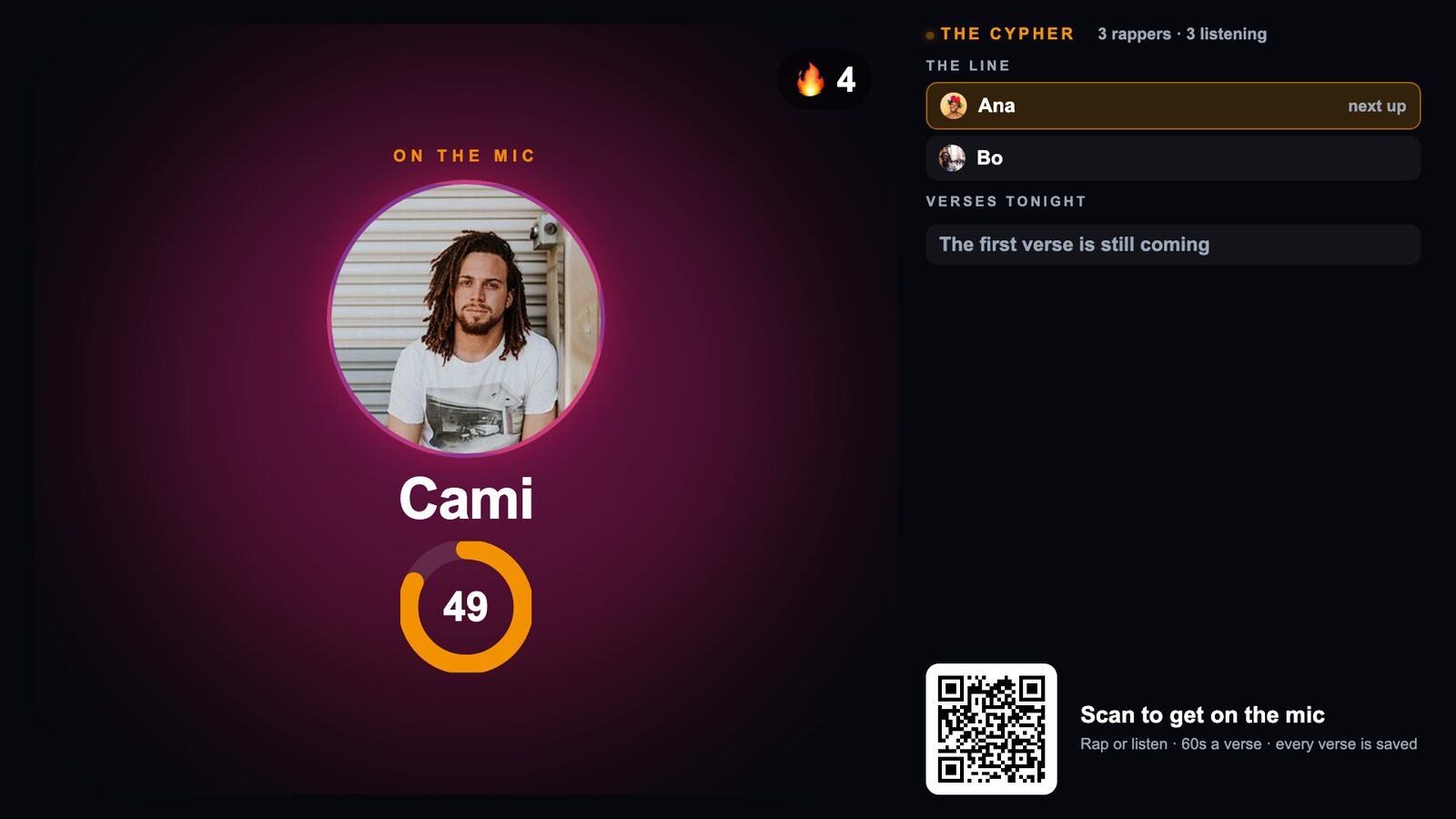
A freestyle arena. Rappers take the mic in turn on a beat, every verse is recorded, the room gives fire.
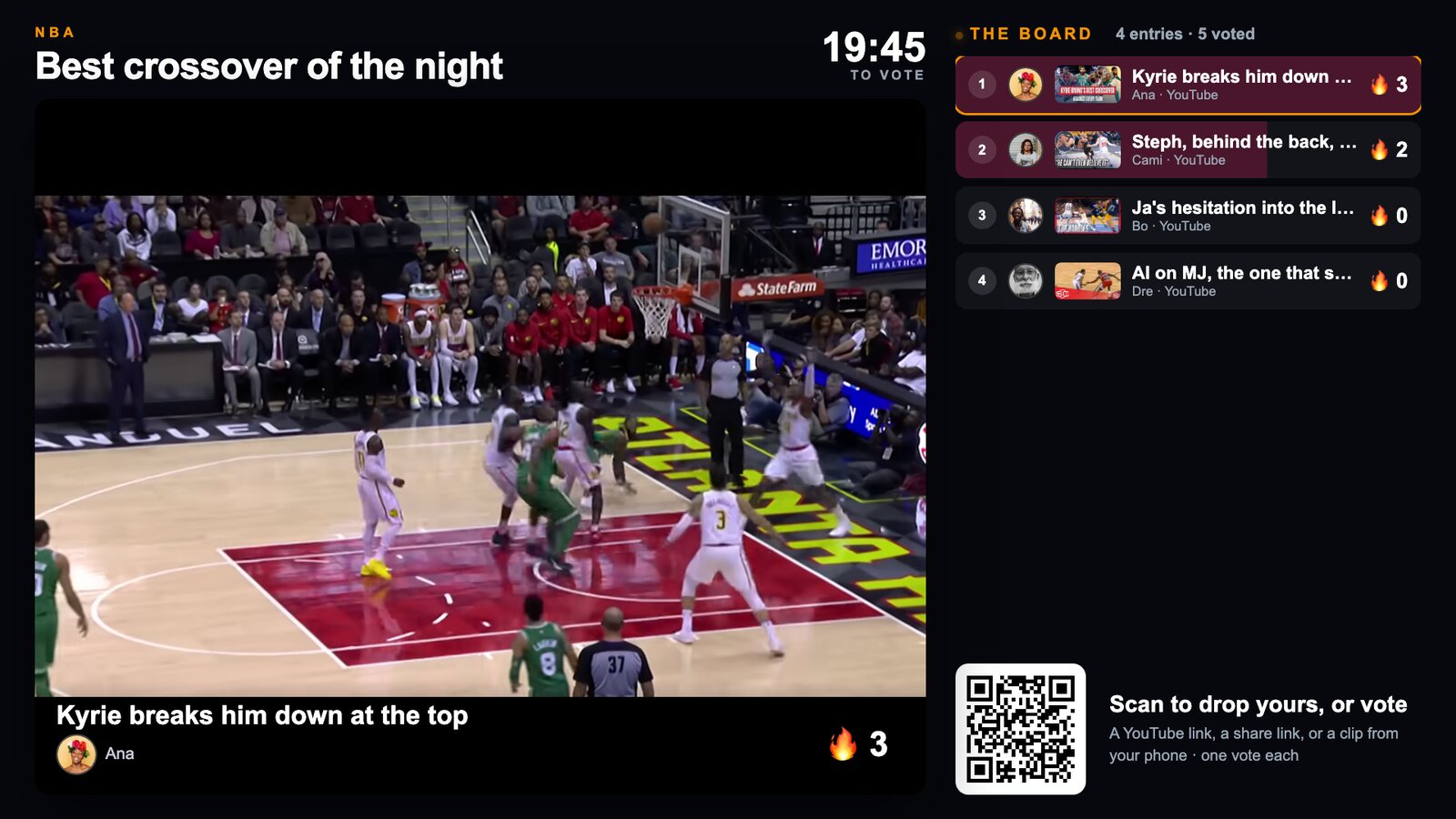
Staff posts a prompt. Guests drop clips and links that play right away, and the room votes live.
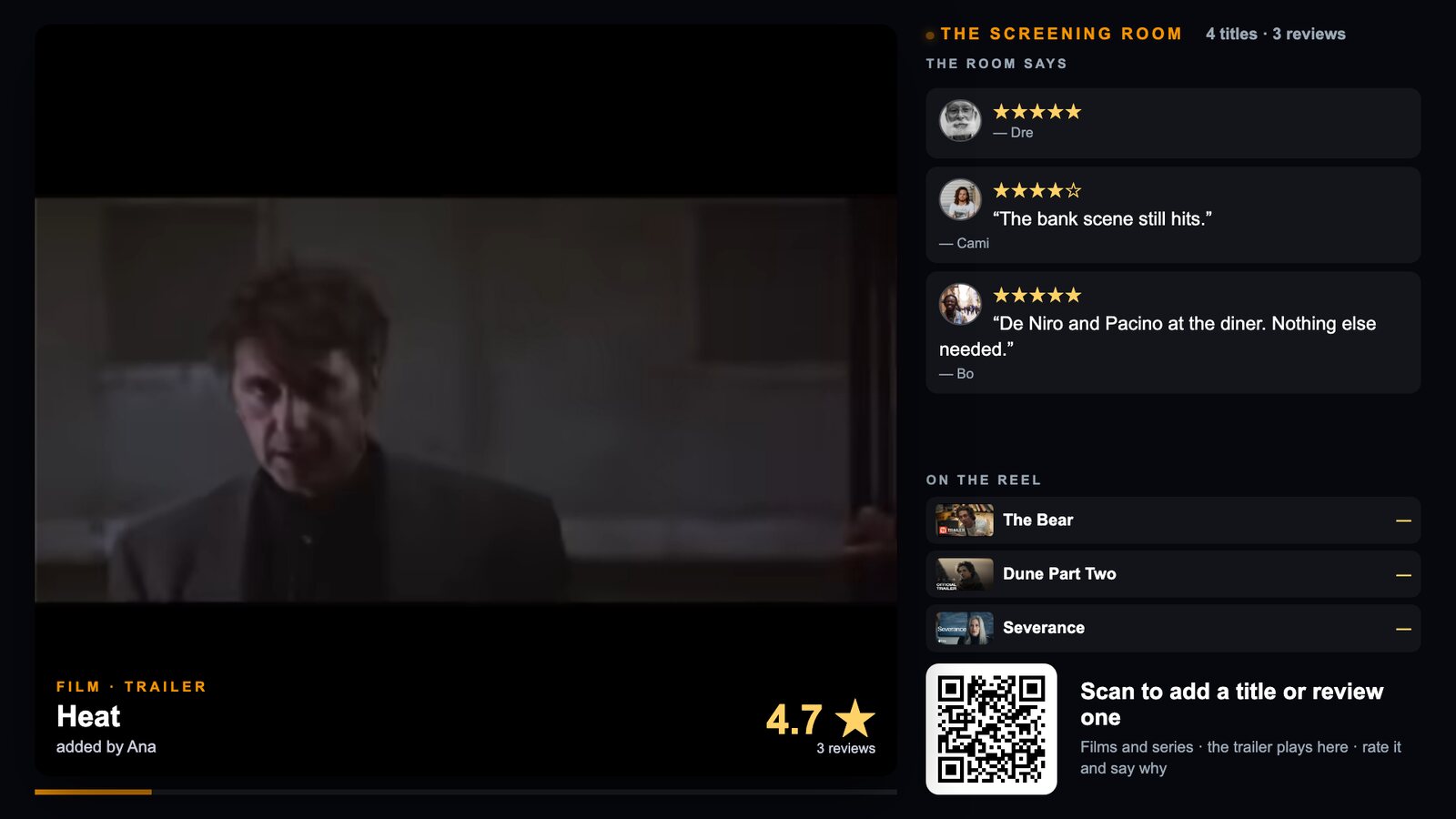
Guests search a film or a series, its trailer joins the reel, and the room rates it on the wall.
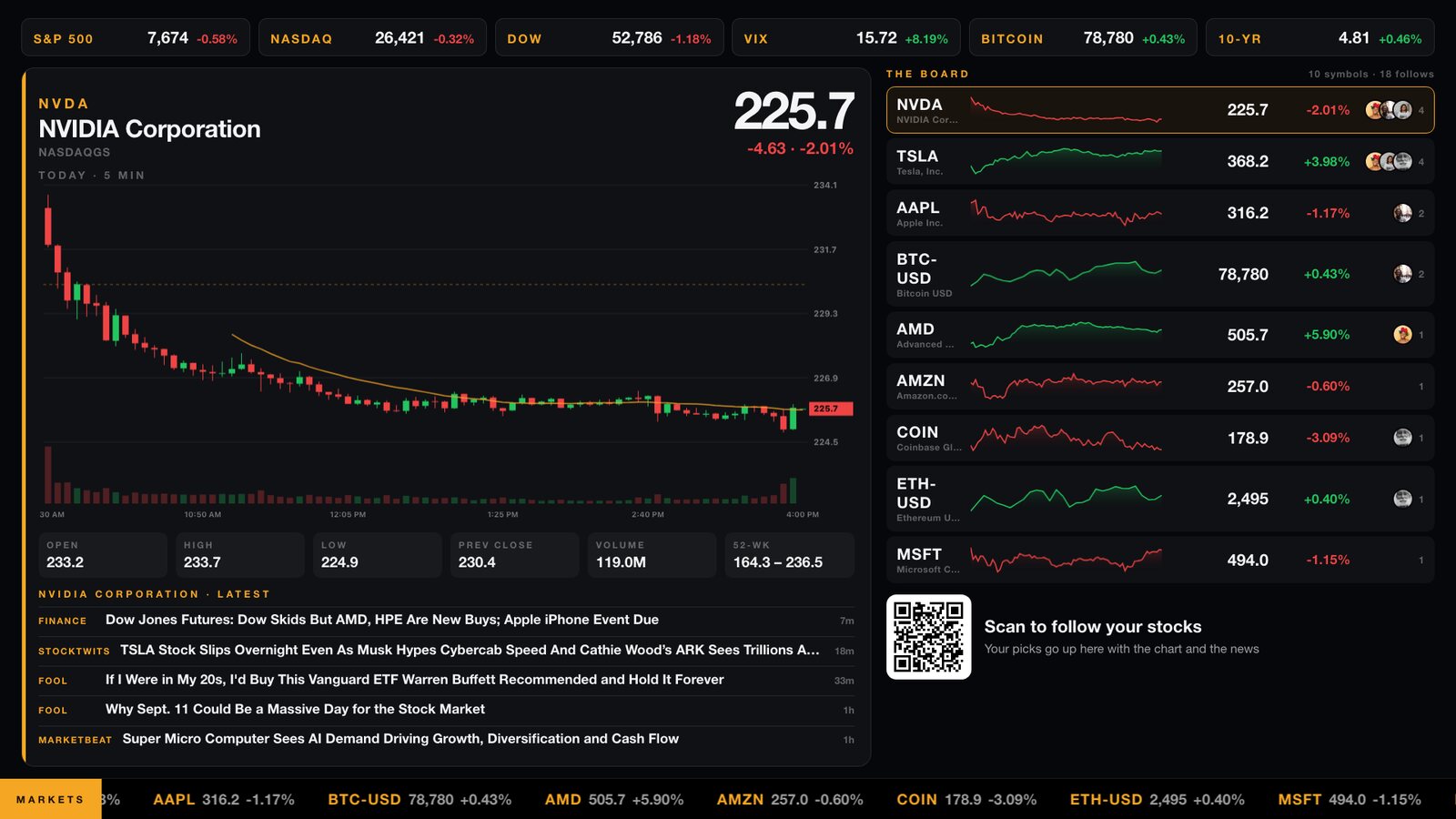
Guests follow their stocks. The wall shows the board terminal style: candlesticks, the day's numbers, headlines, a ticker.
A cheer goes up with the name that sent it. A regular asks for a game instead of shouting for one. The voice room opens for whoever has a slip riding on the match. The wall stops being the thing the room watches and becomes the thing it is in.
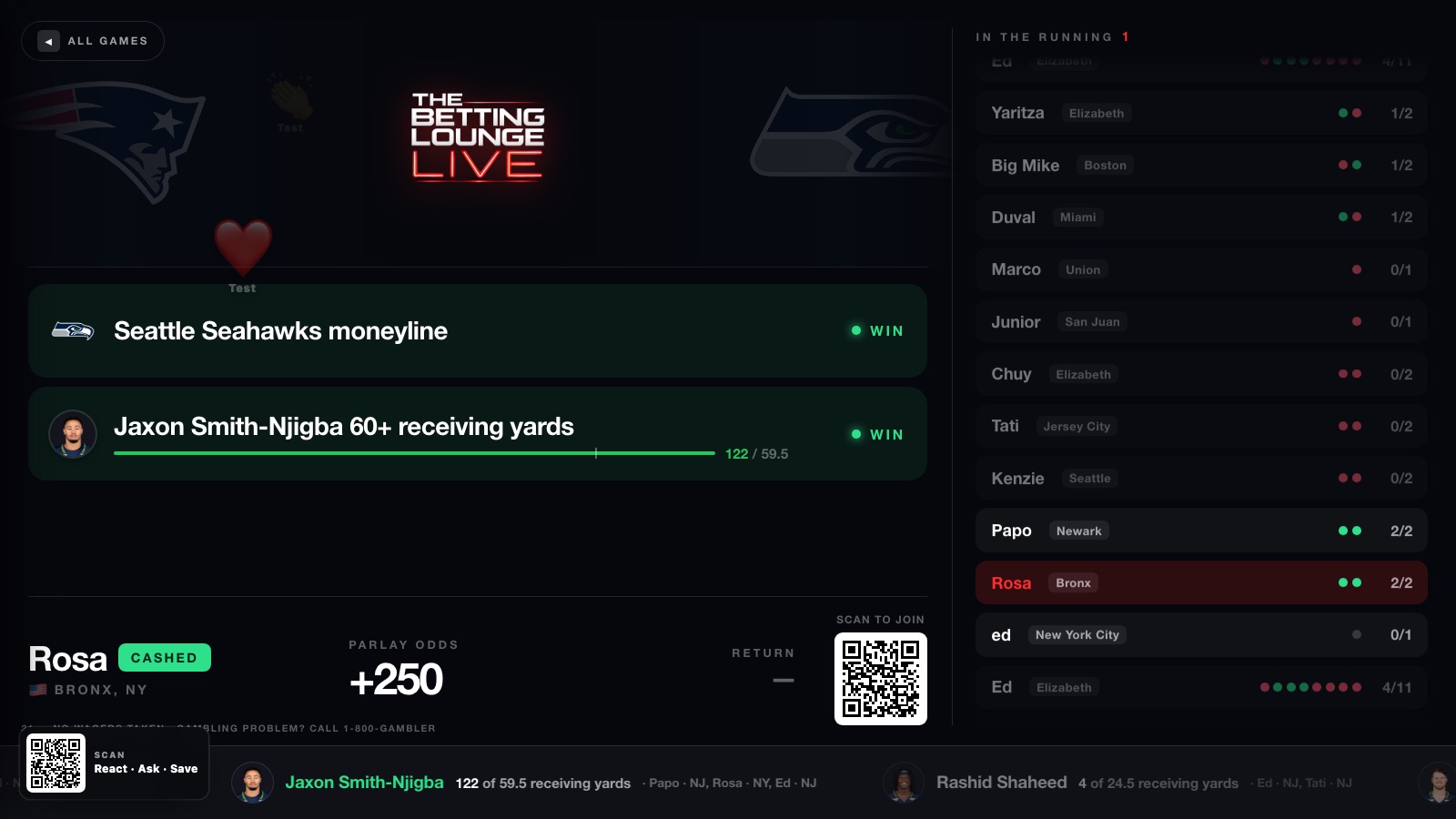
A cheer from a phone floats up the wall with the name that sent it. Over any scene, because the wall draws it, not the scene.
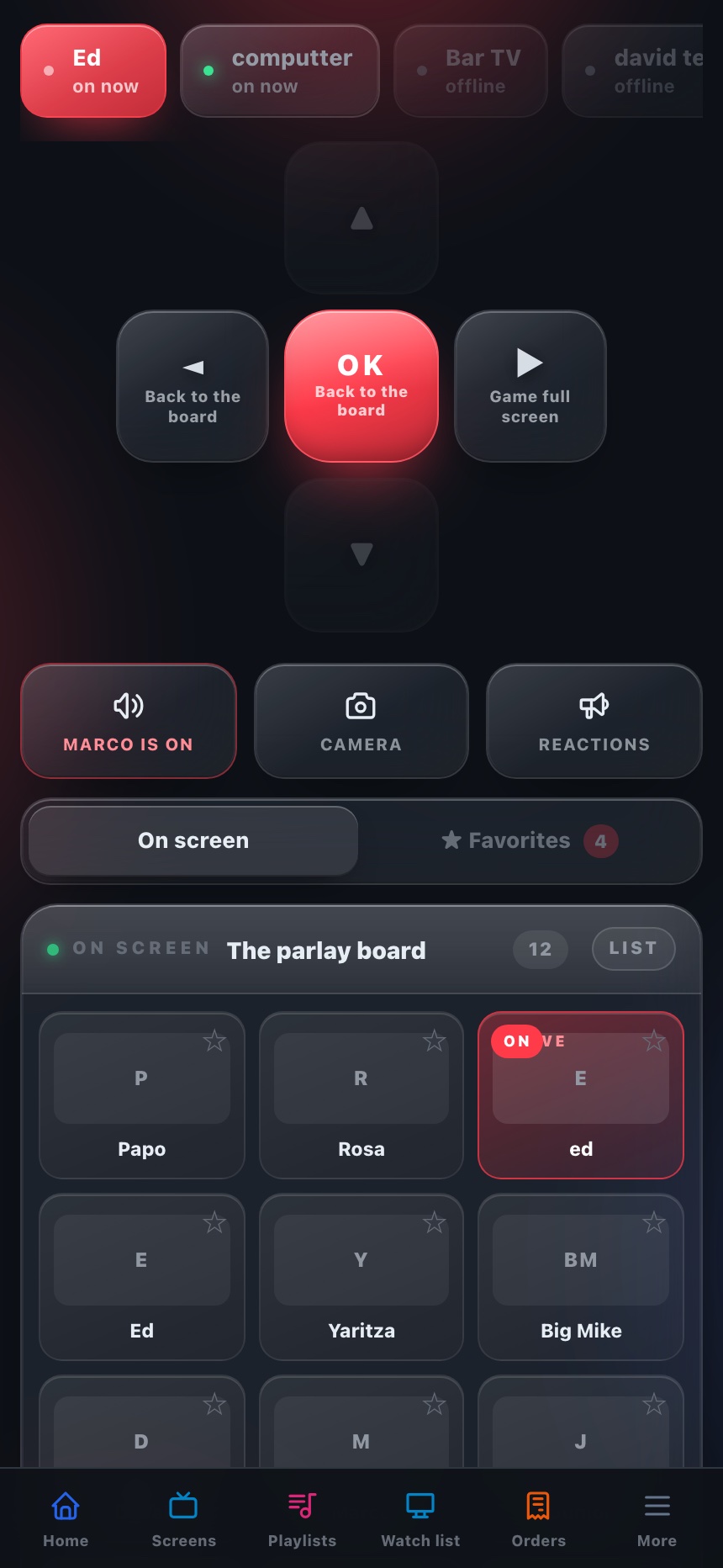
The bar speaks into any screen, or puts its own camera in the corner of it.
Everyone in the room can listen. The mic opens for a real, staked slip on that game.
Guests request a row. The bar sees the tally and grants it. Three asks a person, and a request nobody grants is gone in fifteen minutes.
Keep your provider, your box and your sports package. OlloVue runs beside them on the same TV, and the channels you pay for stay exactly where they are.
Works alongside








The cable or satellite box keeps its HDMI input. OlloVue takes the next one on a Fire TV stick, a Roku, or the Samsung and LG app already in the TV.
YouTube TV, Sling and the rest are apps on the same Fire TV as OlloVue. Open the game, watch it, and the menu board is one press away.
RedZone, the league packages, the regional network. Whatever your provider carries, that TV can still show it.
Local channels from an antenna and a licensed IPTV line land in the same channel picker, so the remote knows every channel in the building.
Install what other people made in a tap and it is on the TV a minute later. Or describe the channel you want and watch it appear on the screen while you talk.
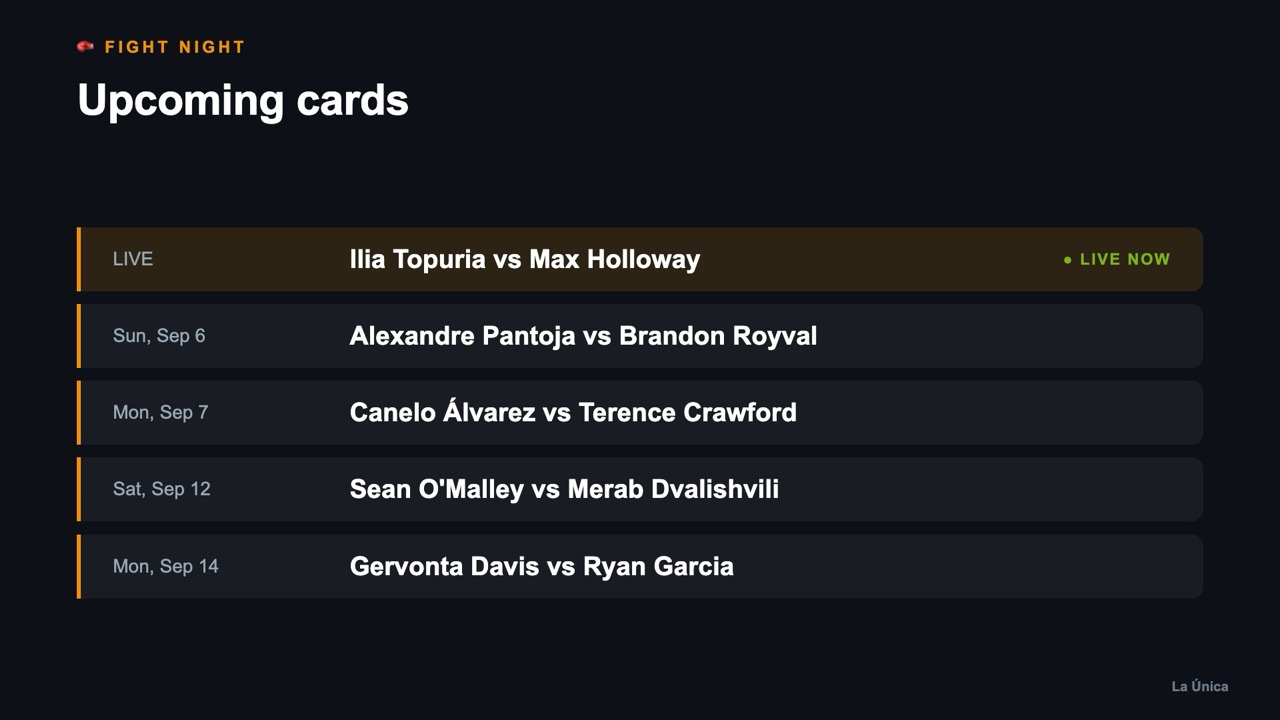 Live
LiveUFC & boxing cards, live status, auto-updated
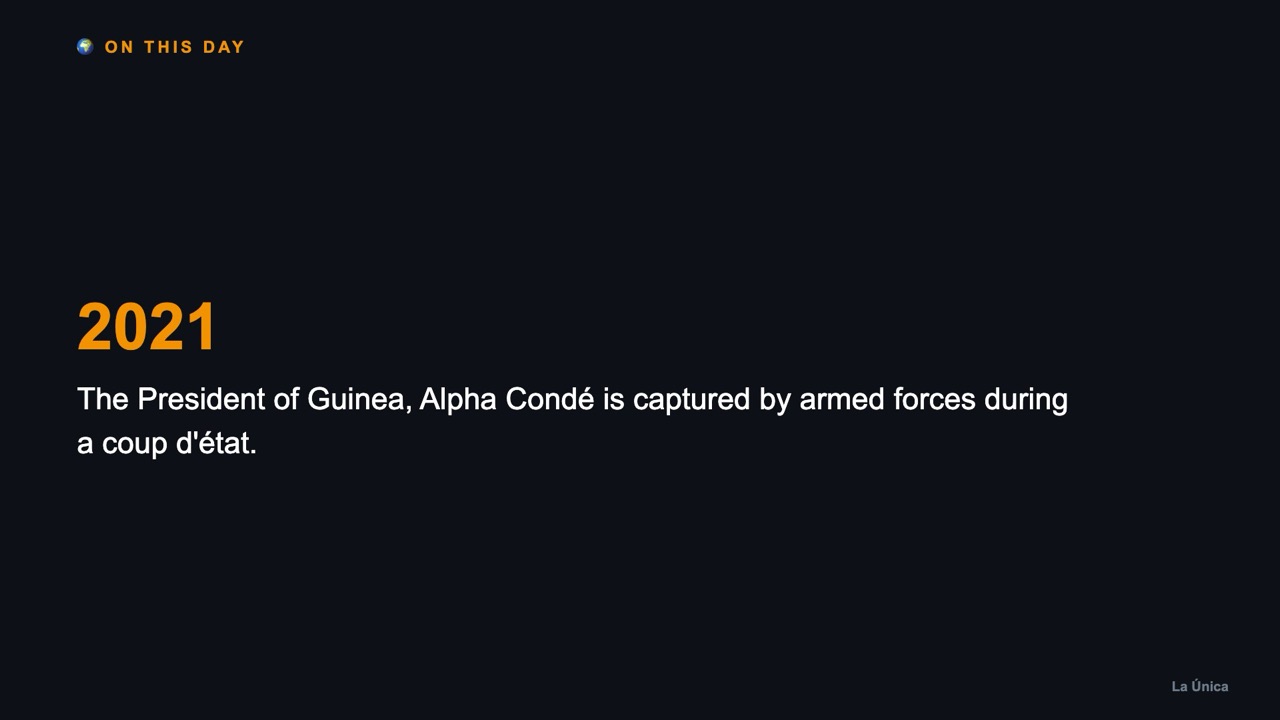 Live
LiveA rotating page of history
 Live
LiveHeadlines that keep the room current
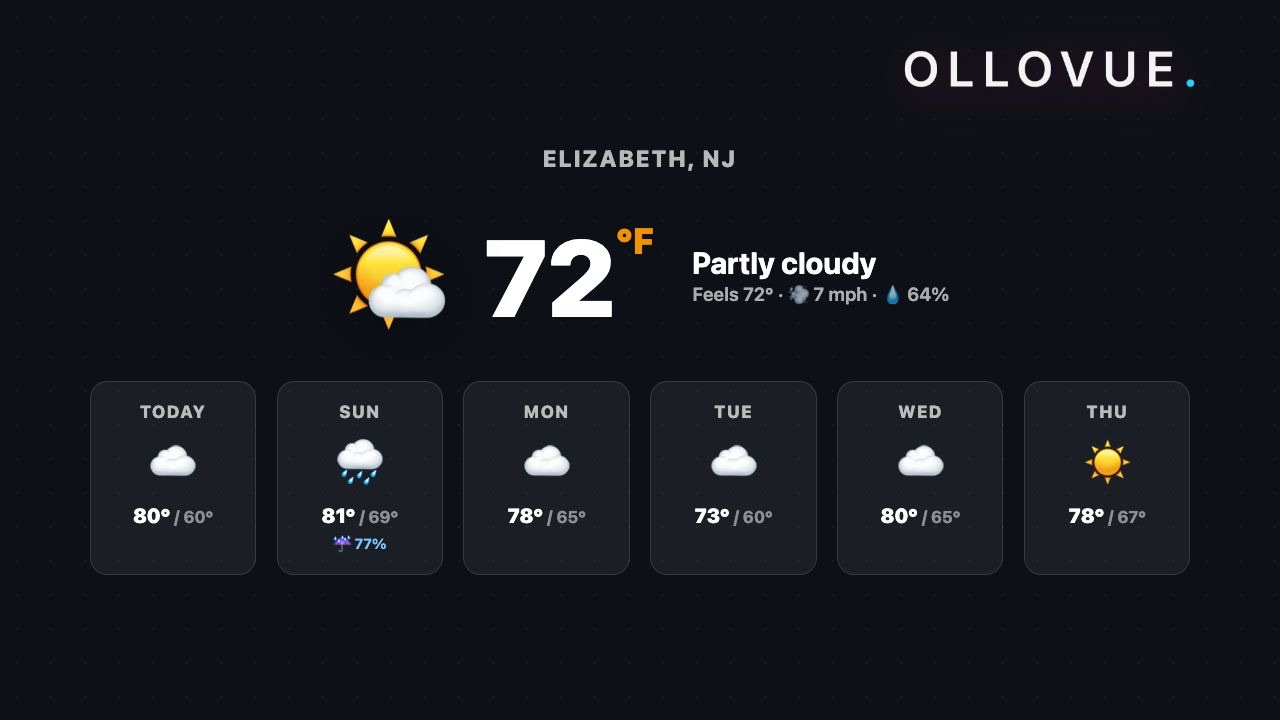 Live
LiveToday and the week, for your ZIP
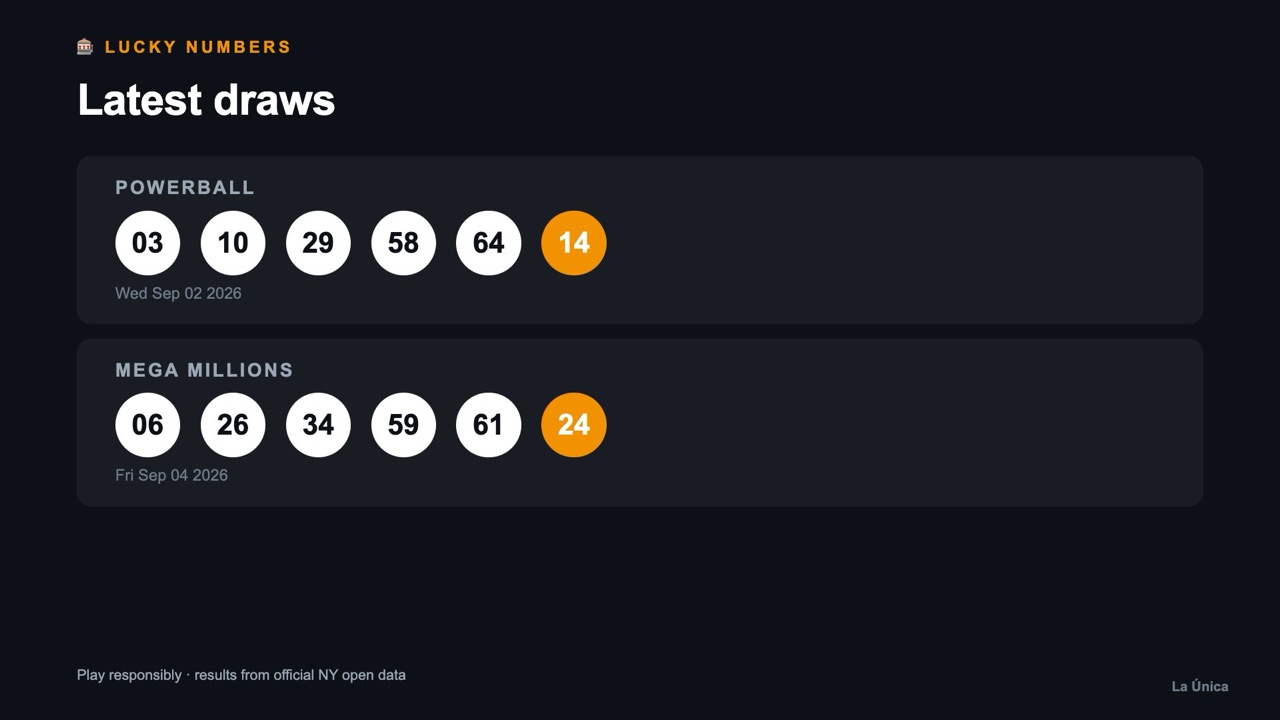 Live
LivePowerball & Mega Millions, latest draws
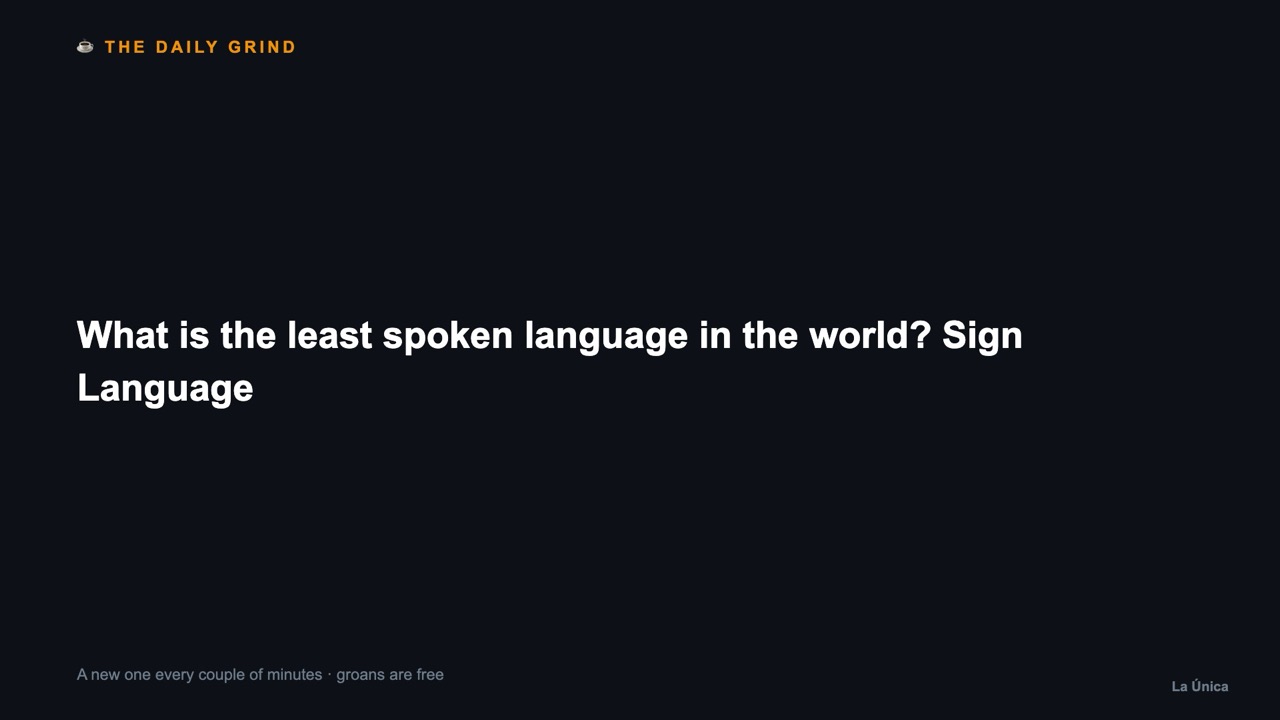 Live
LiveA fresh dad joke every few minutes
These are the real apps, running right now — not screenshots. Every one installs on a screen in one tap.
Tell it the deal and a slide comes back in about a minute: a photo made for it, your logo, your price, set big enough to read from across the room. Ask for motion and the picture moves.
 Live
LiveA drink special for the bar
 Live
LiveGame night, one big platter
 Live
LiveMorning light and a slow push-in
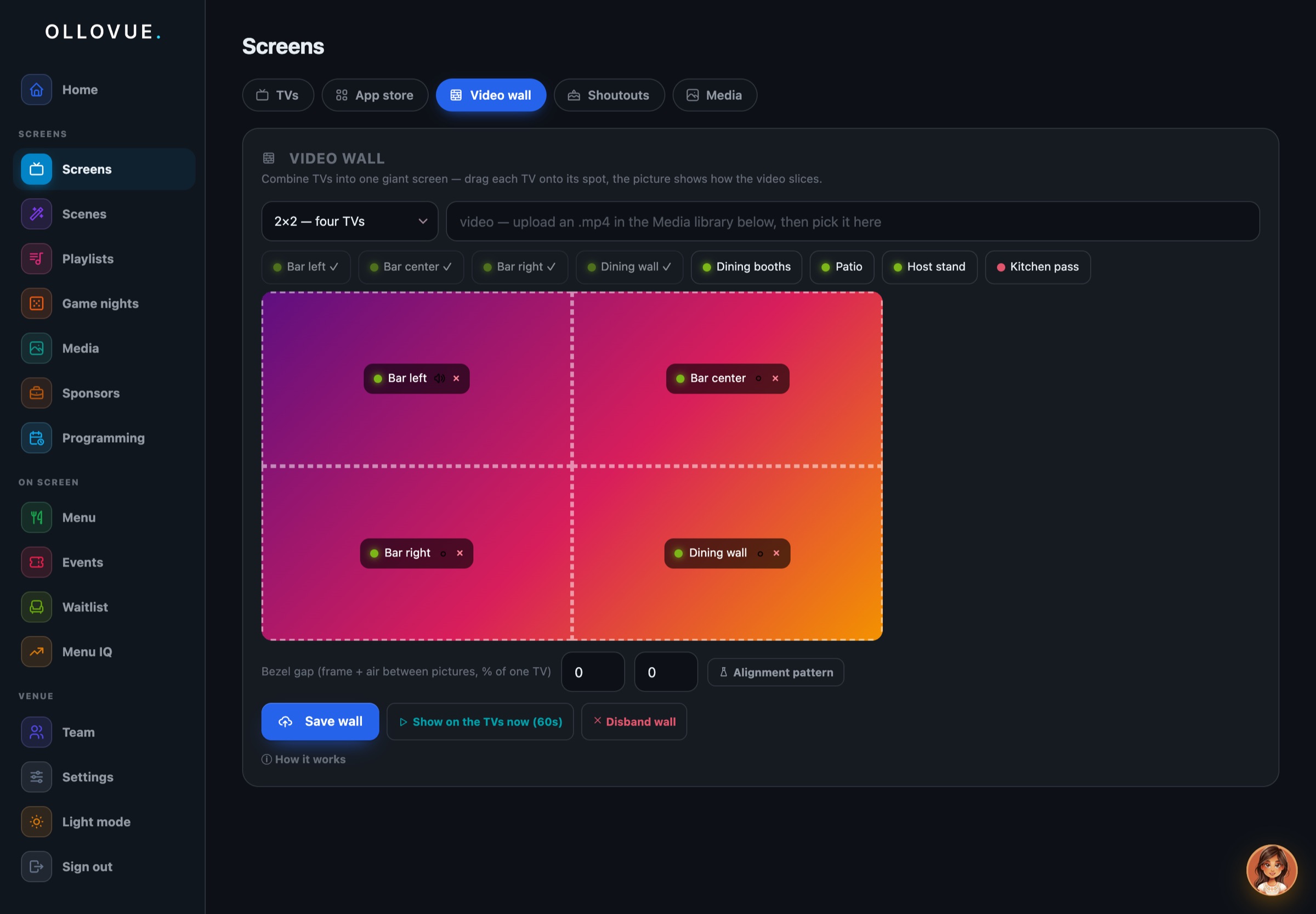
Line up screens in a grid, tell it the bezels, and the wall behaves like a single display.
Anywhere there is a screen and nobody whose job it is to run it. A bar, a gym, a barbershop, a church hall, a lobby, a waiting room.
Today's wait, the weather, the practice's own notices. Quiet, and never the news.
Specials that change with the delivery, prices that match the register.
The day's meetings, a welcome for visitors, the building's announcements.
The class schedule, who is teaching, and scores from the game people came to watch.
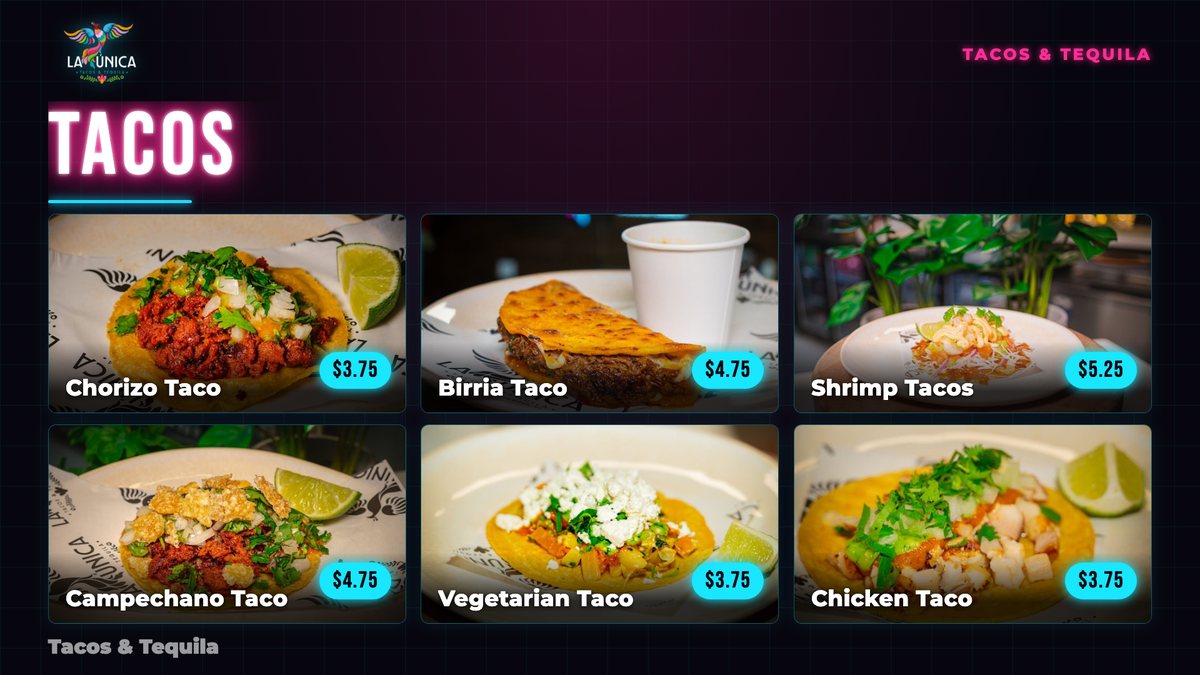
Same prices, same dishes. Swap the look in a tap when the room changes its mind.
A screen is never told one thing. It is told six, in order, and the highest one that has something to say wins. That is the whole system — and it is why a goal can interrupt a quiz night without anybody rewriting the quiz night.
A menu board, a game lobby, a Polish TV portal, an NFL Sunday wall. Around eighty of them, and each is just a page: it draws itself and says what its buttons mean. The hub never needs to know what a scene is, which is why a new one is a new page and nothing else.
Scenes in a loop, each with its own seconds. A slide can carry its own hours and days, or be switched off and kept. Different screens can run different loops, or the same one in lockstep.
Lunch is one loop, the match is another, late is a third. A screen's own windows beat its zone's windows, and both beat its everyday playlist. Windows wrap past midnight, because a bar does.
The phone asks what the screen is showing and draws exactly that, so the buttons say what they will do on this scene. Move the loop, hold a scene, or reach inside one — tap a channel, a film, a game, and the wall goes there.
Your team kicks off on a channel you carry and the screens you chose swing to it, then let go at full time. Happy hour arrives. A birthday lands. The picks settle themselves. Ask in words and the assistant does it — and anything that changes a wall shows you the change before it happens.
One message across every screen for as long as you say, then every screen puts itself back exactly where it was. A goal, an order up, last call. Nothing to undo.
Every plan is the whole thing: the agent, every scene, every game. Fourteen days free, no card to start.
One screen. A counter, a lobby, a waiting room.
Up to five screens. The usual bar or restaurant.
Unlimited screens, and more than one address.
Screen counts are enforced by your plan. Change or cancel any time.
Questions
The short answers. Anything else, ask the agent once you are in.
Still wondering? Start the free trial and ask it directly.
A TV and something to run OlloVue on it: a Fire TV stick, a Roku, or the app on a Samsung or LG TV. Any browser works too. The screen shows a five-digit code, you type it into your phone, and it is paired.
No. Keep DISH, Optimum, YouTube TV or whatever you pay for. Your box keeps its HDMI input and OlloVue takes the next one, or sits as an app on the same Fire TV. Your sports package still plays on that TV.
One thing a screen can show: a menu board, live scores, tonight's events, a promo, trivia, the jukebox. A playlist is a loop of scenes with a number of seconds on each. Every TV plays its own loop, or a few TVs play one loop in lockstep.
Yes. The remote is a web page, so it works on any phone with nothing to install. See every TV, tap a scene to put it on now, pause a loop, change a channel, or run a takeover across every screen at once.
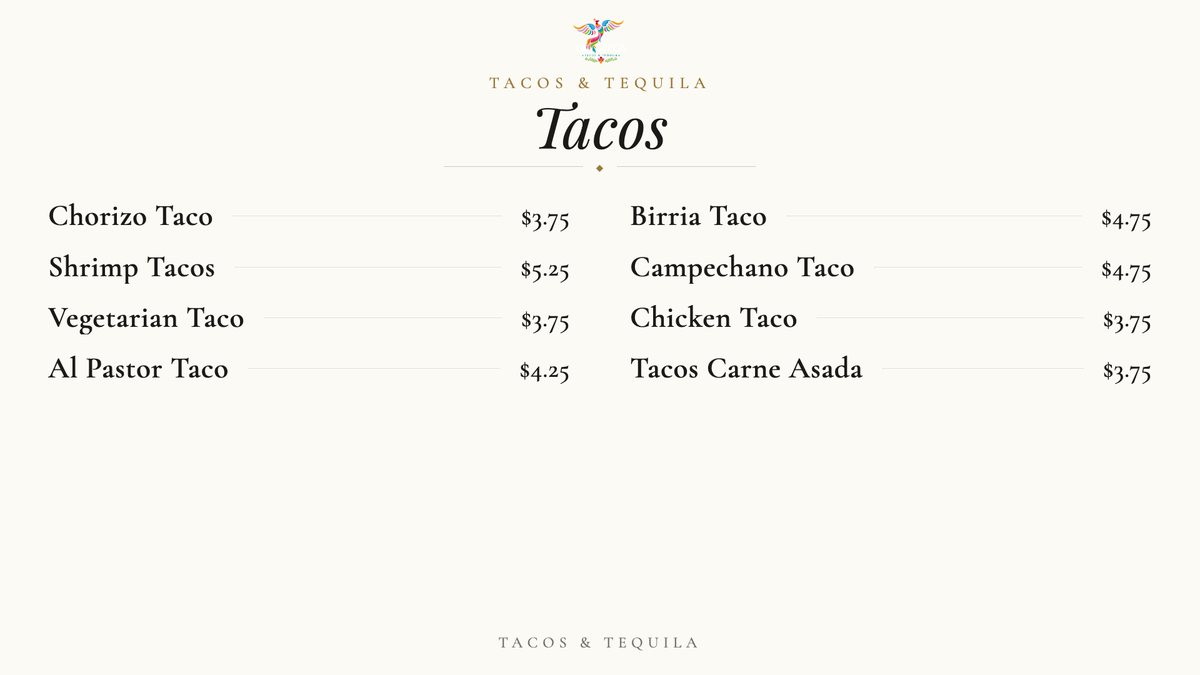
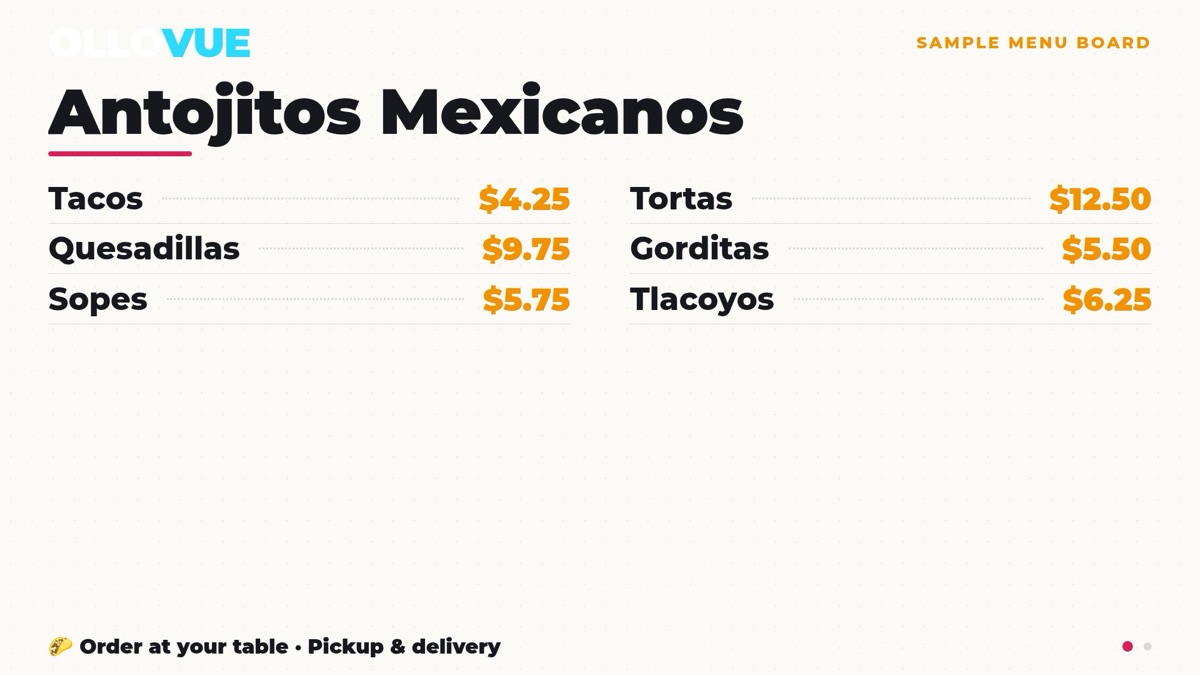
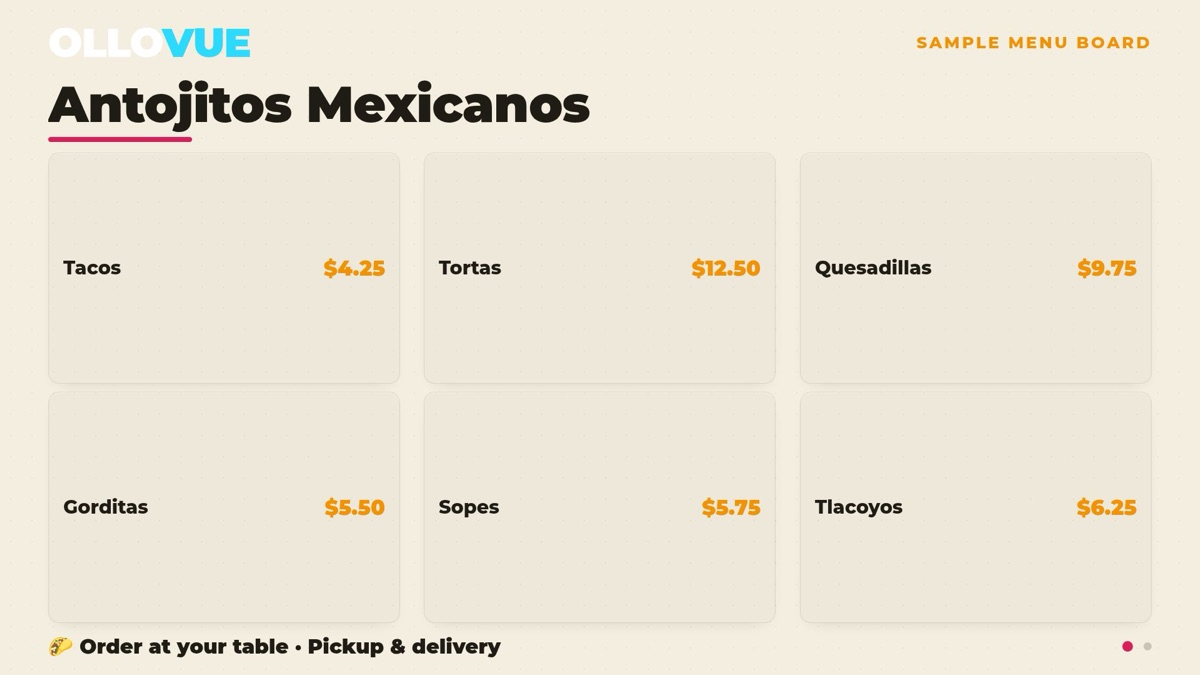
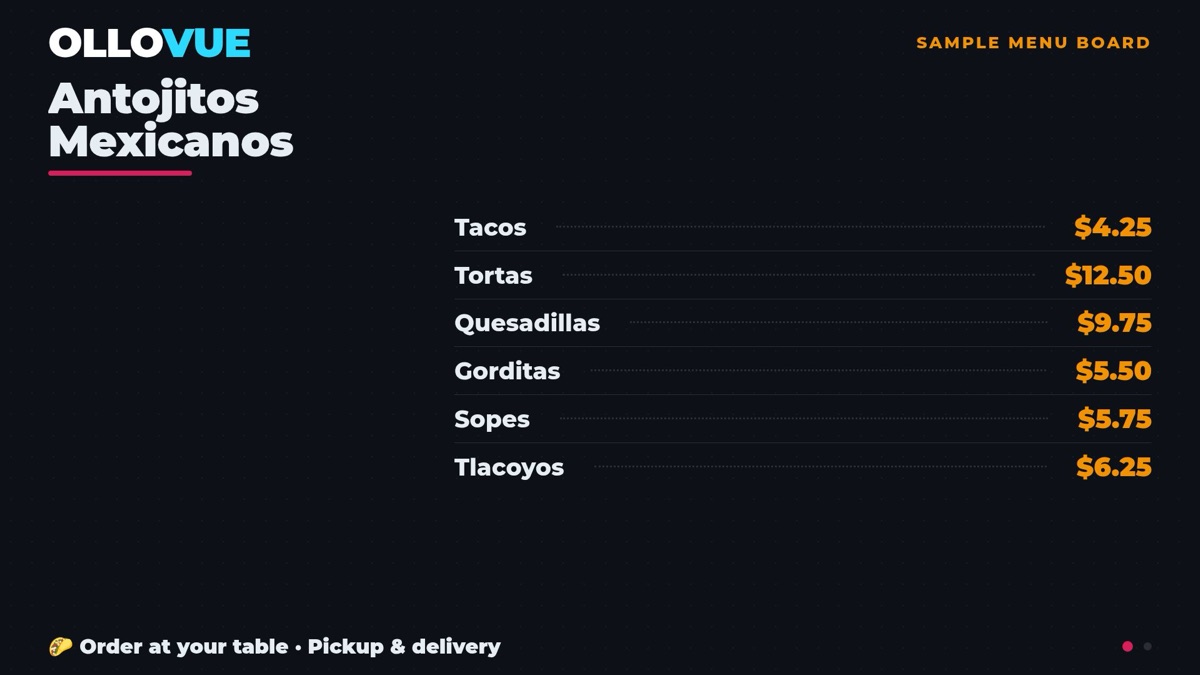
Photograph your paper menu. The setup wizard reads every item and price into an editable list, and the board is built from that. Change a price or mark a dish sold out and every screen updates on the spot.
Per screen, never per channel. Solo is one screen, Venue is up to five, Empire is unlimited and more than one address. Every plan has every scene, every game and the agent. The trial is fourteen days, no card, and nothing is charged when it ends.
Yes. Drop a sponsor slot into a playlist and set your packages. Advertisers pick a spot, build their ad and pay by card at a page of your own. Nothing airs until you approve it, and each advertiser gets a link showing how often their ad ran.
Yes. Talk to the agent and create anything you want. Describe the scene, the promo, the board or the game, and watch it appear on the TV while you talk. Or install one somebody already made from the Scene Store.
Pair the first screen in under a minute. Fourteen days free.